PDF to PowerPoint, AI द्वारा फिर से तैयार।
PDF अपलोड करें और editable PowerPoint पाएं — text, tables और charts अपनी जगह बने रहते हैं। .pptx डाउनलोड करें या Genspark Slides में आगे edit करें। PDF to PPT conversion के लिए भी उपयुक्त।
लोग PDF को PowerPoint में किसके लिए बदलते हैं
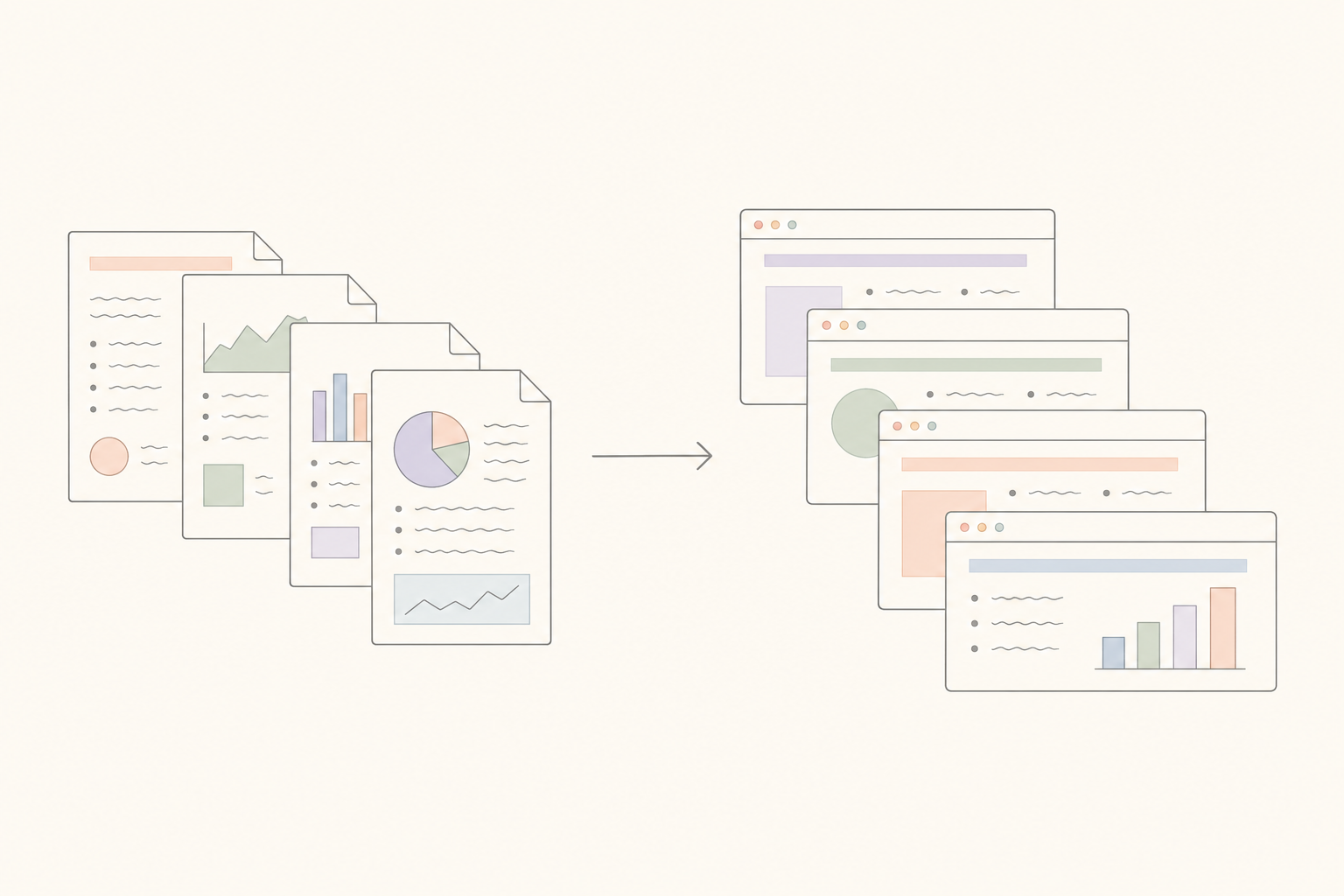
Consulting और strategy decks
Clients पुराने decks PDF में भेजते हैं। उन्हें PowerPoint में वापस बदलें, cover और charts बदलें, अपने template में फिर से deliver करें — शुरू से बनाने की ज़रूरत नहीं।
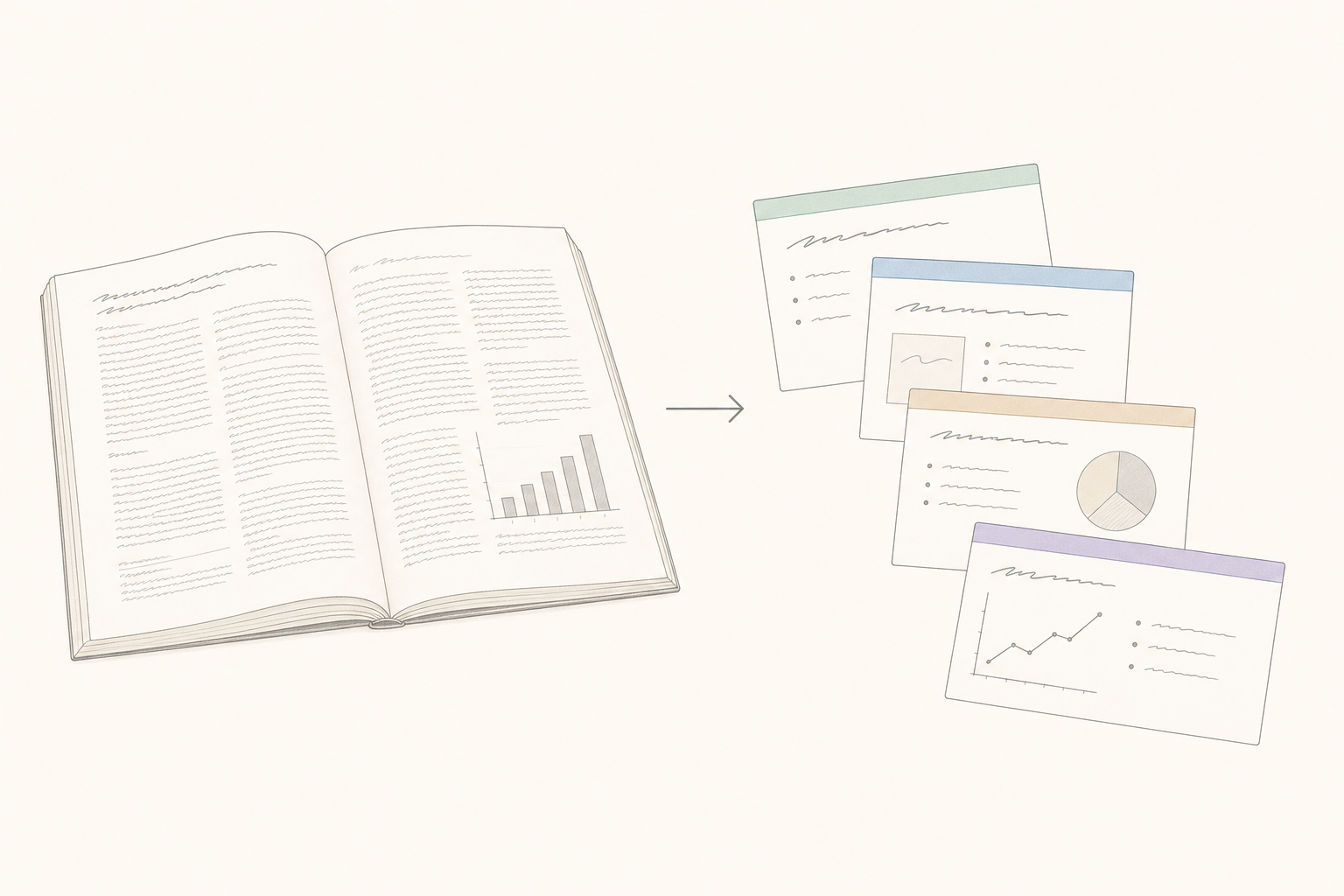
शोध पत्र और conferences
Paper upload करें, conference-ready slides पाएं। Abstract, methodology, results, limitations और conclusion अपनी अलग slides पाते हैं, figures full resolution में embedded।
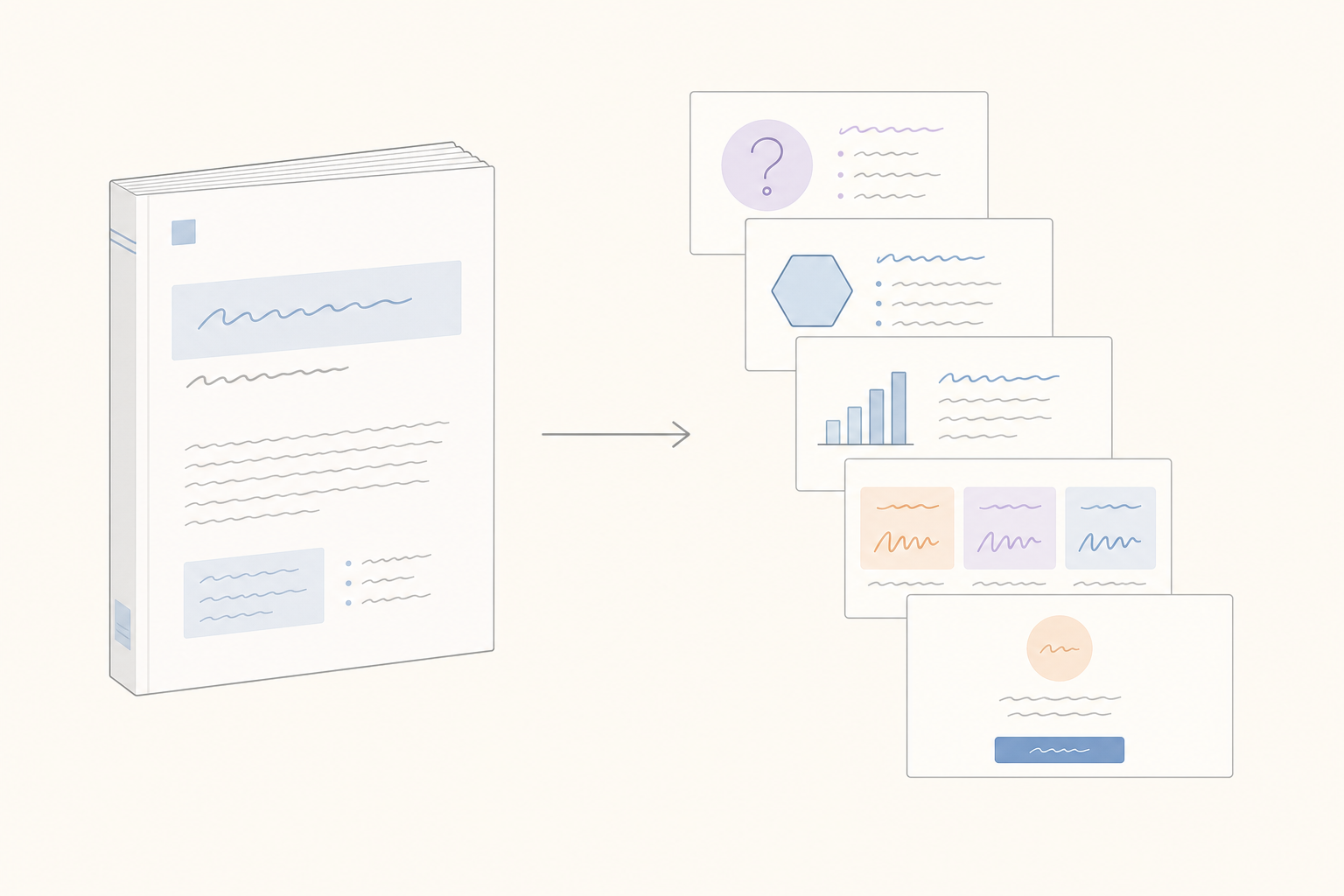
Whitepapers और customer case studies
लंबे sales documents जिन्हें कोई अंत तक नहीं पढ़ता। उन्हें shareable PowerPoint summary के रूप में फिर से तैयार करें — वही content, लेकिन slides में जिन्हें buyer सच में अंत तक scroll करता है।
3 steps में PDF को PowerPoint में बदलें
अपनी PDF upload करें
कोई भी PDF upload करें — text-based, scanned या image-heavy। Tables, charts और embedded images अपनी जगह आते हैं। 100 MB तक की files support की जाती हैं, online और मुफ्त।
AI slides फिर से तैयार करता है
Genspark sections, headings, tables और charts पहचानता है और उन्हें एक-एक slide पर रखता है। Document के tone से मिलता एक design template अपने आप चुना जाता है।
Download करें या edit करना जारी रखें
.pptx download करें या Genspark Slides में खोलें ताकि AI text दोबारा लिखे, style बदले या नए slides जोड़े। PowerPoint, Keynote और Google Slides के साथ काम करता है।
अक्सर पूछे जाने वाले प्रश्न
क्या मूल PDF layout सुरक्षित रहता है?
Headings, body text, tables और embedded images सुरक्षित रहते हैं। Fonts निकटतम PowerPoint standard font पर map किए जाते हैं। Conversion के बाद आप Genspark Slides में layout को refine कर सकते हैं।
क्या यह scanned PDFs पर काम करता है?
हां। Genspark का AI vision scanned PDFs और image-only PDFs पढ़ता है — images के अंदर का text editable PowerPoint content बन जाता है।
Maximum PDF size कितना support है?
100 MB तक की files support की जाती हैं। ज्यादातर reports और decks आराम से इस limit में आ जाते हैं।
क्या fonts सुरक्षित रहते हैं?
Standard system fonts साफ render होते हैं। दुर्लभ या licensed fonts Genspark की font chain के माध्यम से निकटतम alternative से बदल दिए जाते हैं — exact font उपलब्ध न होने पर भी layout intact रहता है।
क्या output को PowerPoint, Keynote या Google Slides में edit किया जा सकता है?
हां। Output एक standard .pptx file है जो किसी भी presentation app में खुलती है। अधिक AI edits या slides जोड़ने के लिए — Genspark Slides में जारी रखें।
यह plain PDF to PPT converter से कैसे अलग है?
Plain converters अक्सर ऐसे slides देते हैं जिनमें text और tables editable नहीं होते। Genspark slides को document की structure से फिर से बनाता है — हर heading, bullet और table editable text के रूप में PowerPoint में आती है।
क्या मेरी PDFs सुरक्षित हैं?
PDFs आपके private Genspark workspace में process होती हैं और कभी model training के लिए उपयोग नहीं होतीं। आप अपलोड की गई files को किसी भी समय अपनी library से delete कर सकते हैं।