PDF to PowerPoint, rebuilt by AI.
Drop a PDF. Get a clean, editable PowerPoint with text, tables, and charts preserved. Download the .pptx, or keep iterating in Genspark Slides.
What people convert
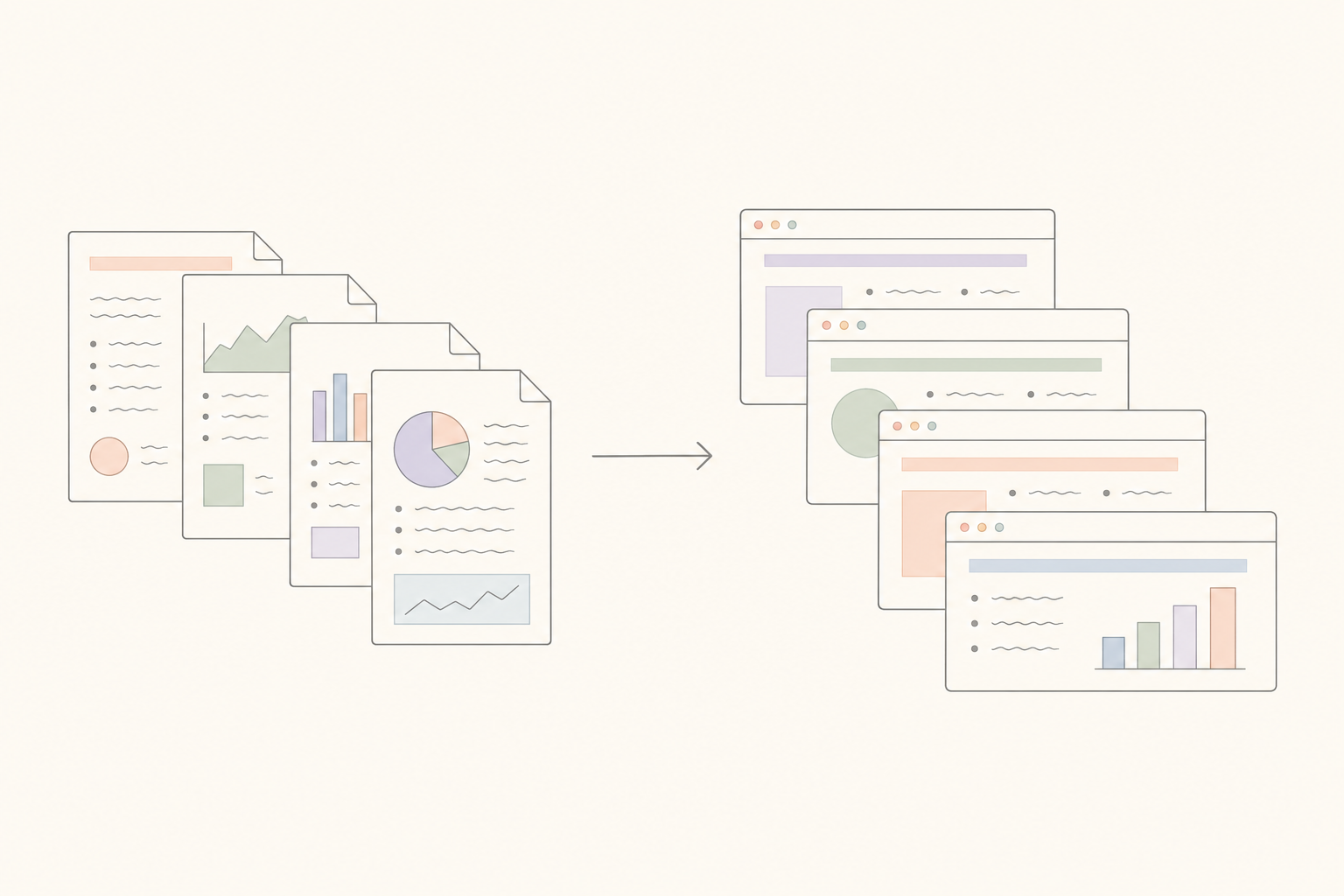
Consulting & Strategy Decks
Clients send PDFs of past decks. Turn them back into PowerPoint to swap the cover, update the charts, and redeliver in your own template — without rebuilding from scratch.
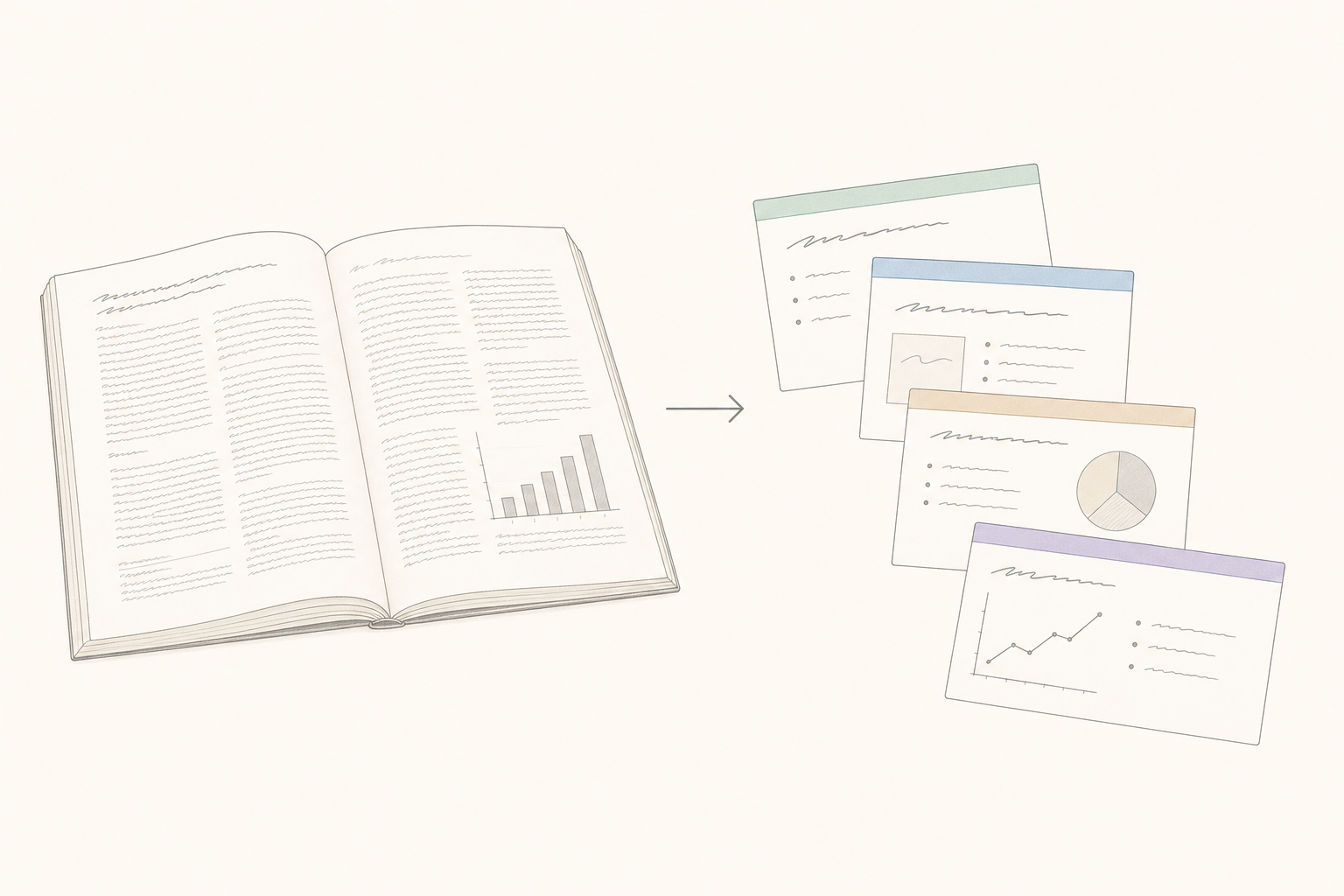
Research Papers & Conference Talks
Upload a paper, get conference-ready slides. Abstract, methodology, findings, limitations, conclusion — each section becomes its own slide with figures embedded at full resolution.
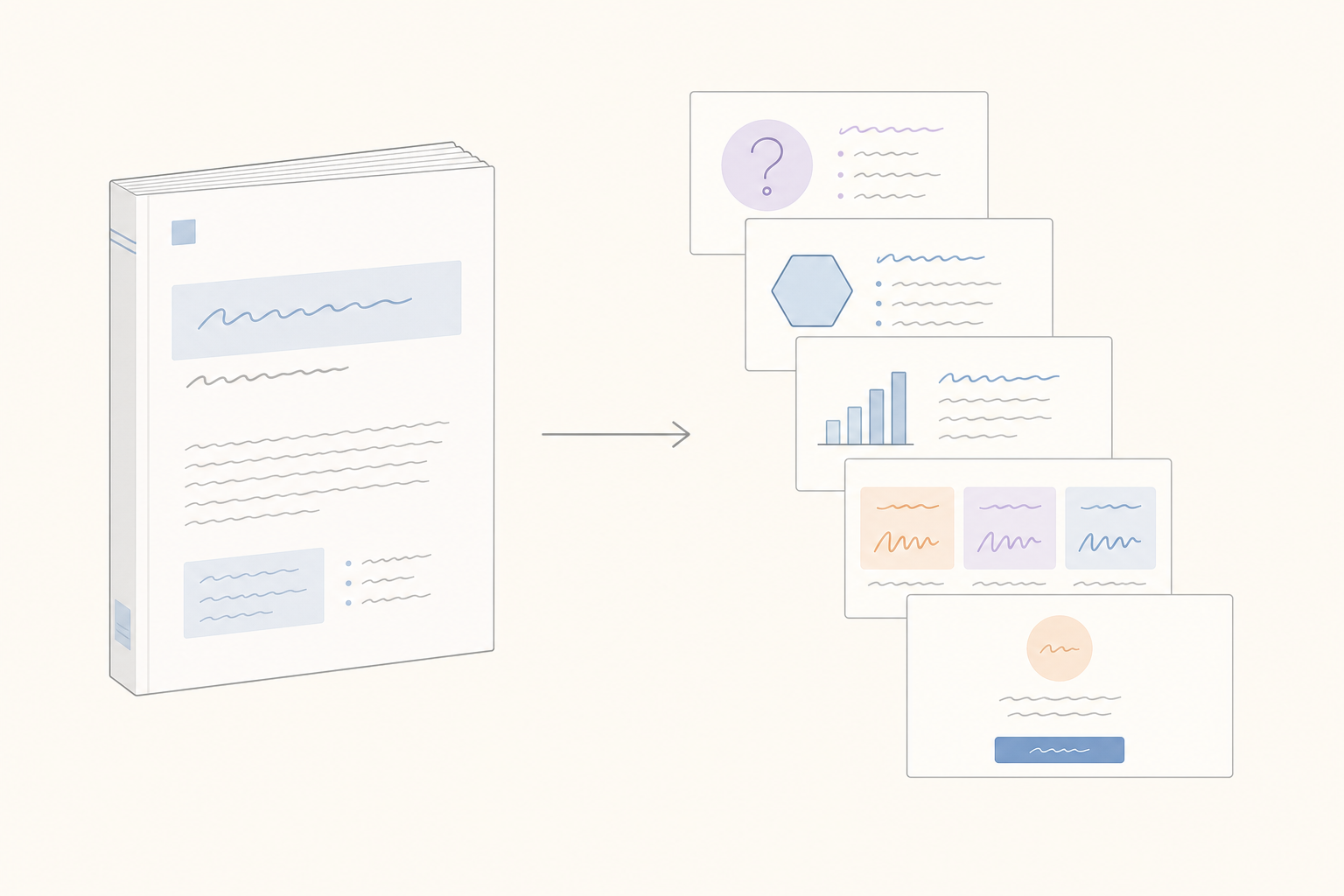
Whitepapers & Customer Case Studies
Long-form sales collateral nobody reads. Repurpose it as a shareable PowerPoint summary — same story, slides your buyer will actually flip through.
Convert PDF to PPT in 3 steps
Upload your PDF
Drop any PDF — text-based, scanned via OCR, or image-heavy. Charts, tables, and embedded images come through as-is. Up to 100 MB per file.
AI rebuilds it as slides
Genspark reads sections, headings, tables, and charts and lays them out one slide at a time. A matching design template gets picked based on the document's tone.
Download or keep editing
Get the .pptx, or open it in Genspark Slides to AI-rewrite, restyle, and present. Works with PowerPoint, Keynote, and Google Slides.
Frequently Asked Questions
Will the original PDF layout be preserved?
Genspark preserves headings, body text, tables, and embedded images. Fonts are mapped to the closest PowerPoint default. You can fine-tune the layout in Genspark Slides after conversion.
Can it convert scanned PDFs?
Yes — Genspark uses AI vision to read scanned and image-only PDFs, so even text inside images becomes editable PowerPoint content.
How large a PDF can I convert?
Files up to 100 MB are supported. Most reports and decks fit comfortably.
Will my fonts be preserved?
Standard system fonts render cleanly. Less common or licensed fonts fall back through Genspark's font chain so the layout stays intact even if the exact face isn't available.
Can I edit the output in PowerPoint, Keynote, or Google Slides?
Yes — the output is a standard .pptx file. Download it and open it in any presentation app. Or keep editing in Genspark Slides if you want to AI-restyle, rewrite, or add new slides.
How is this different from a plain PDF-to-PPT file converter?
Plain converters often produce slides where text and tables aren't editable. Genspark rebuilds slides from the document's structure, so every heading, bullet, and table comes through as editable text.
Is my PDF data safe?
PDFs are processed in your private Genspark workspace and never used to train models. You can delete uploads from your library at any time.