AI Portfolio Generator, from your work to a live portfolio website.
Tell the AI portfolio generator what you do and what you want to show. It writes the copy, designs the pages, and builds a portfolio website you can edit and publish.
Whose Portfolio Will You Build?
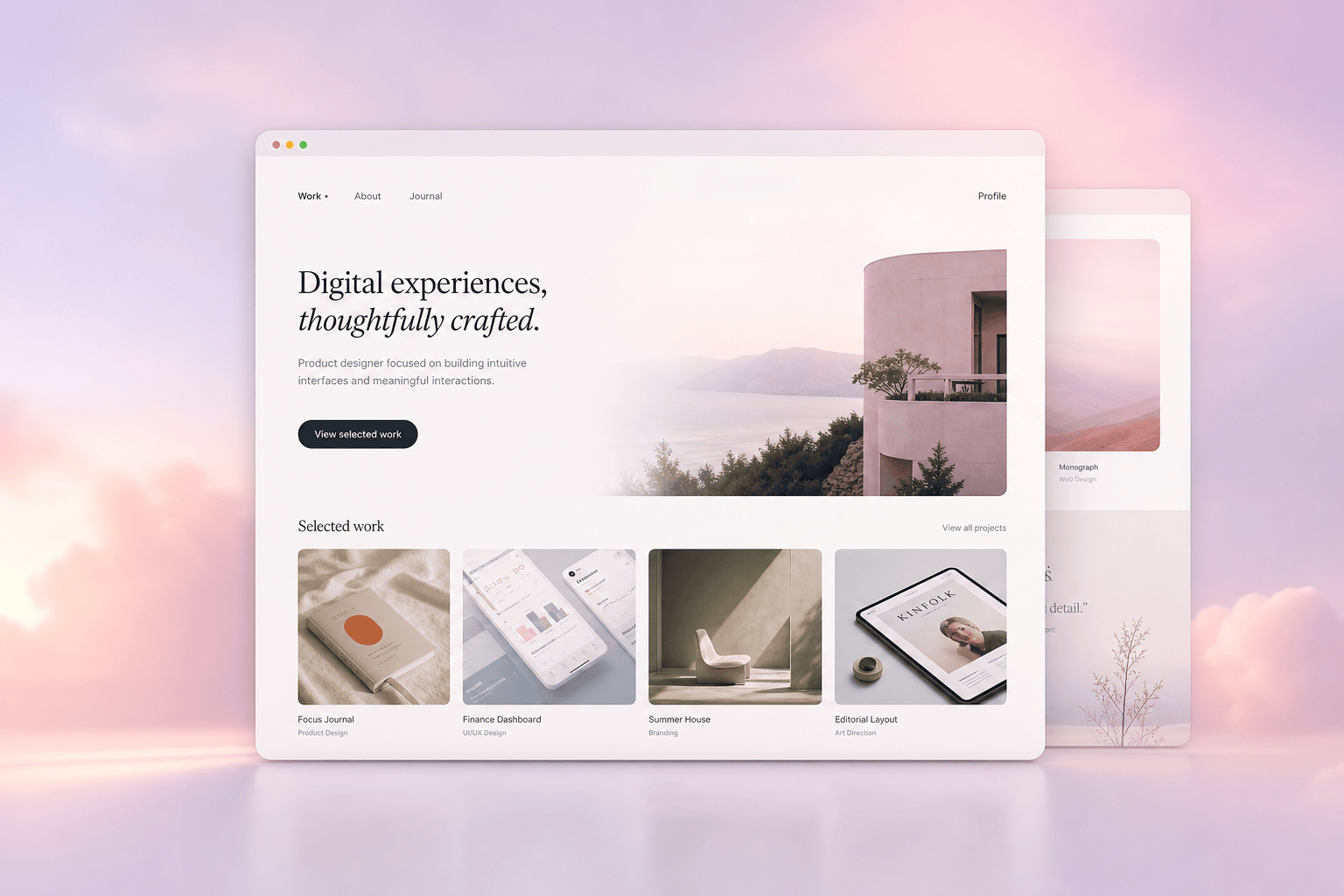
Designer & Creative Portfolios
Brand, UX, product, illustration. Describe your work and the AI portfolio maker builds a website with case-study pages, big image areas, and an about section. The layout is built to put the work first.
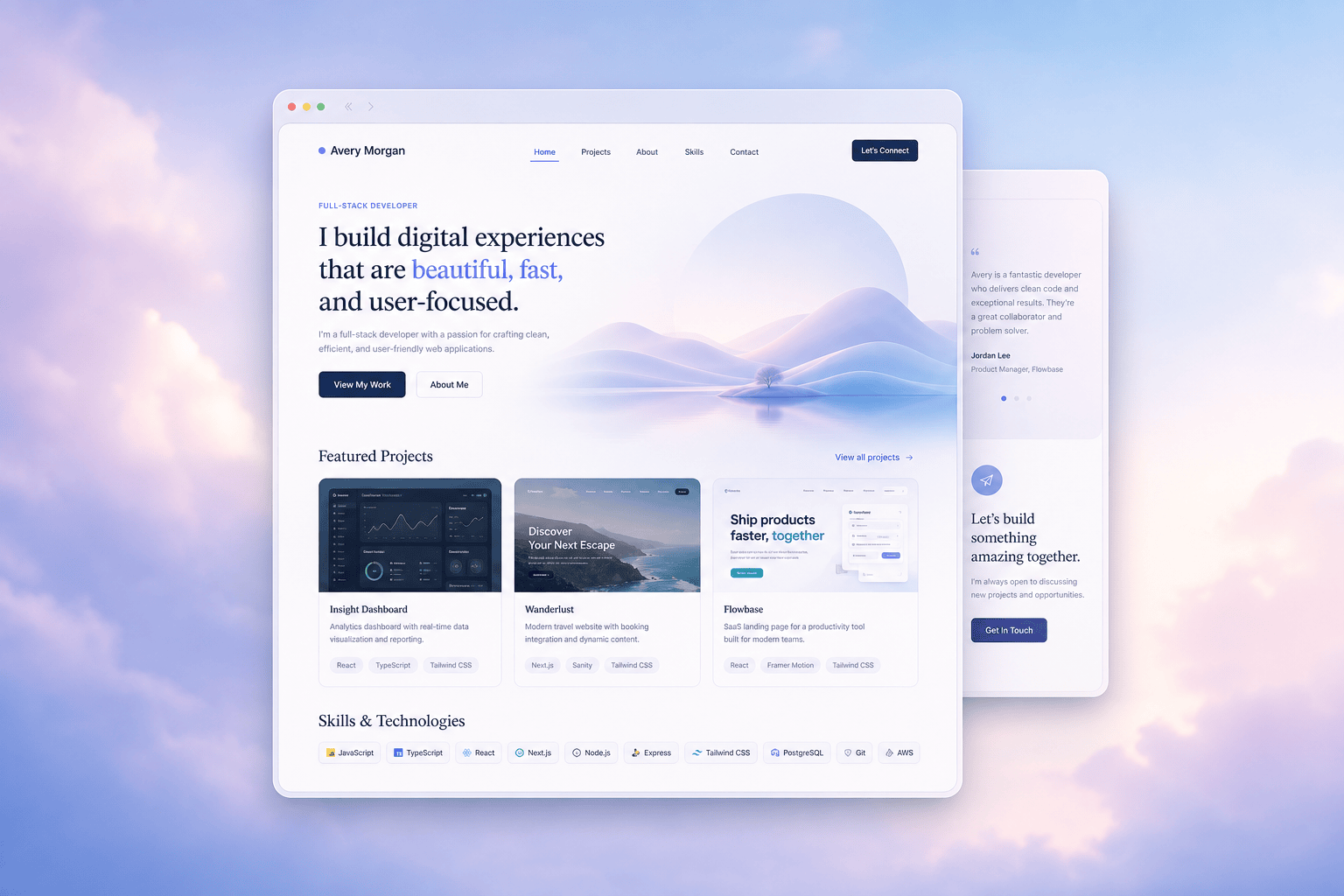
Developer & Professional Portfolios
Engineers, PMs, marketers, anyone with projects to show. The AI portfolio builder gives you a portfolio website with a projects grid, a skills section, links out to your work, and a resume page. Describe the projects and it writes the summaries.
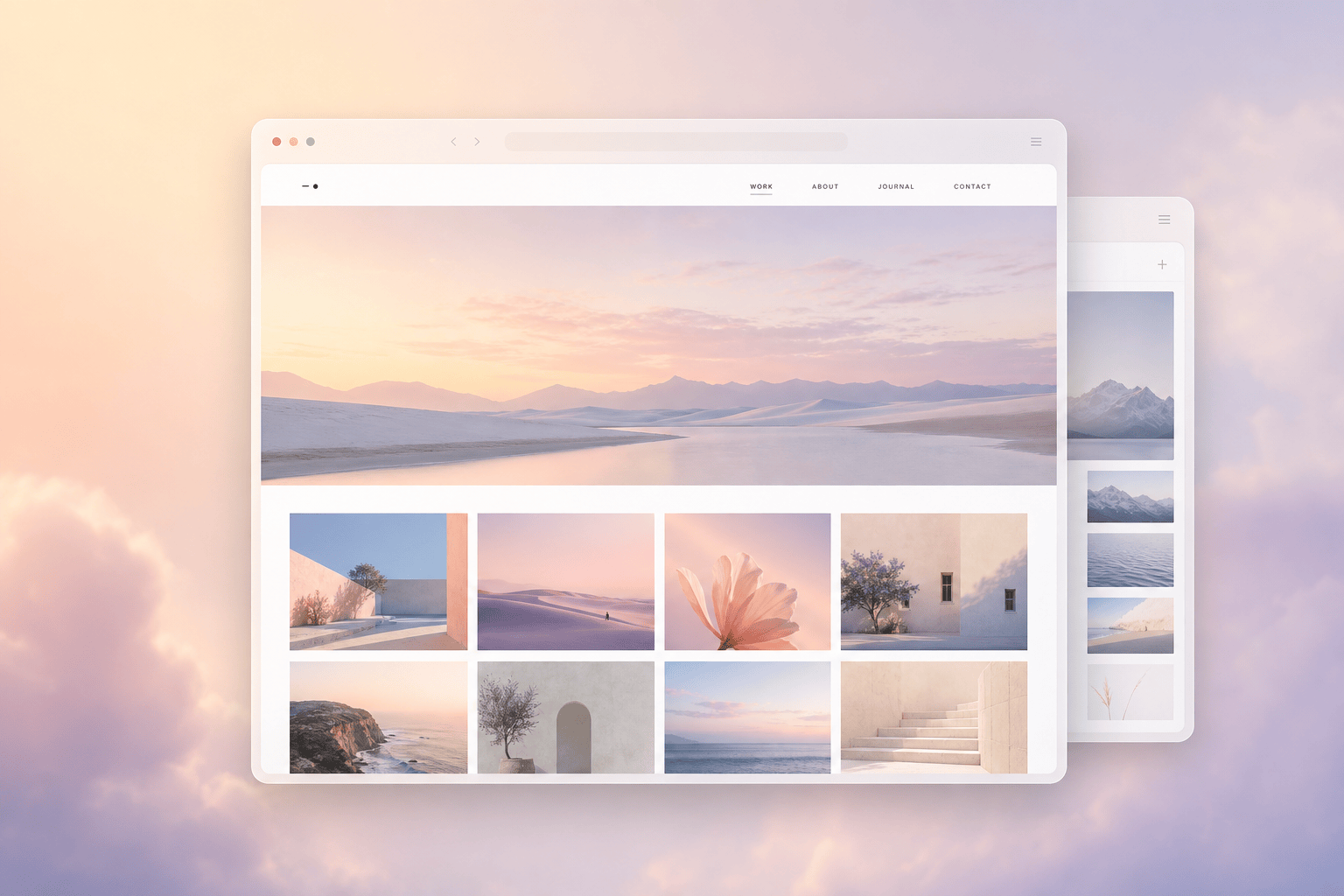
Photographer & Visual Portfolios
Photographers, artists, and anyone with an image-heavy body of work. The AI portfolio creator builds a gallery-first portfolio website with collections, full-width visuals, and an enquiry form, ready to publish.
Why Genspark for Portfolios
A real website, not a PDF
As an AI portfolio website builder, Genspark gives you a live, responsive portfolio website with its own pages and navigation. Publish it and share a link, or keep editing. It works on a phone as well as it does on a laptop.
It writes the copy too
You don't need to draft your bio or your project summaries. Describe what you did and the AI portfolio generator writes the about section, the case-study text, and the headlines, in a voice you can adjust.
Edit anything, then publish
Click any section, image, or line of text and tell the AI what to change, or edit it by hand. When the portfolio looks right, publish it in a click.
How the AI Portfolio Generator Works
Describe your work
Tell the AI what you do, the projects you want to feature, and the kind of look you're after. The more you say about the work, the better the first draft.
Review the website
Genspark designs the pages, writes the copy, and lays out your projects into a full portfolio website. You see the whole site before you change anything.
Edit and publish
Swap in your real images, adjust the text, move sections around, or restyle it. When it's ready, publish the portfolio website and share the link.
Frequently Asked Questions
Can AI build a portfolio website?
Yes. Describe what you do and the projects you want to show, and Genspark designs the pages, writes the copy, and builds a full portfolio website. You review it, swap in your real images and text, and publish.
How do I create a portfolio website with AI?
Start in the box at the top of this page. Describe your work, the projects to feature, and the style you want. The AI portfolio generator builds a complete website. Edit anything you like, then publish it and share the link.
Do I need to write the text myself?
No. The AI portfolio generator drafts your bio, your project summaries, and the headlines from what you tell it about your work. You review and adjust the wording, so you don't start from a blank page.
Can I edit the portfolio after it's generated?
Yes. Click any section, image, or piece of text and tell the AI what to change, or edit it by hand. You can restyle the site, re-order sections, and swap images until it feels like yours.
Who is the AI portfolio generator for?
Anyone who needs to show their work online: designers, developers, photographers, writers, students, and freelancers. Describe the kind of work you do and the generator builds a portfolio website to match.
Can I publish the portfolio website?
Yes. Once it looks right, publish the portfolio website in a click and share the link. It's a live, responsive online portfolio, so it works on phones and laptops alike.