AI Profile Picture Generator, for LinkedIn, Discord, and everywhere in between.
Upload a photo or describe a vibe. Get a clean AI profile picture in seconds — a LinkedIn-style headshot, an illustrated PFP for social, or a gaming avatar for Discord and Steam.
Where people actually use their AI profile picture
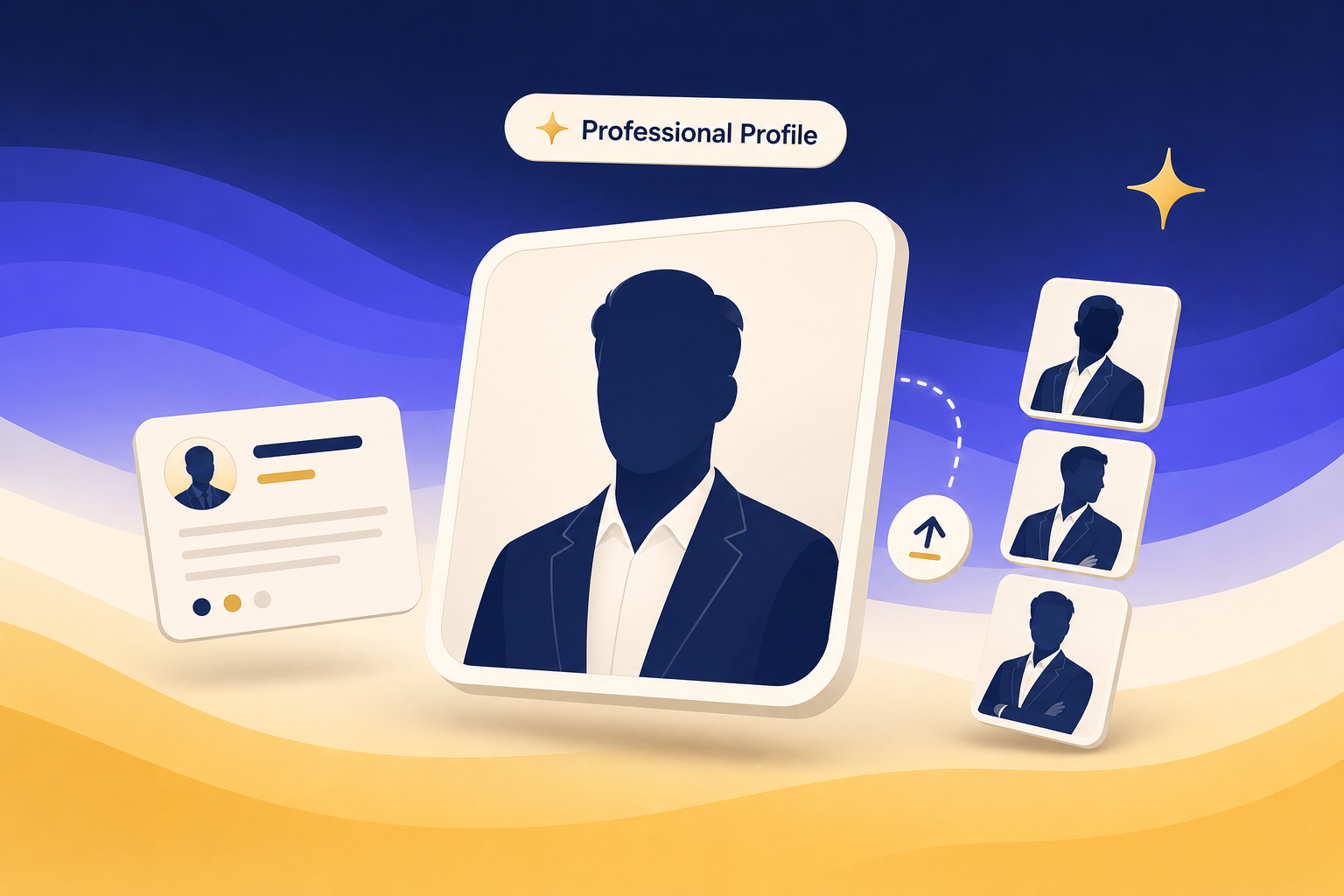
LinkedIn, résumé, and other business profiles
Generate a clean, business-ready profile picture for LinkedIn, your résumé header, your speaker bio, and any context where a recruiter or buyer is going to look you up before the meeting.
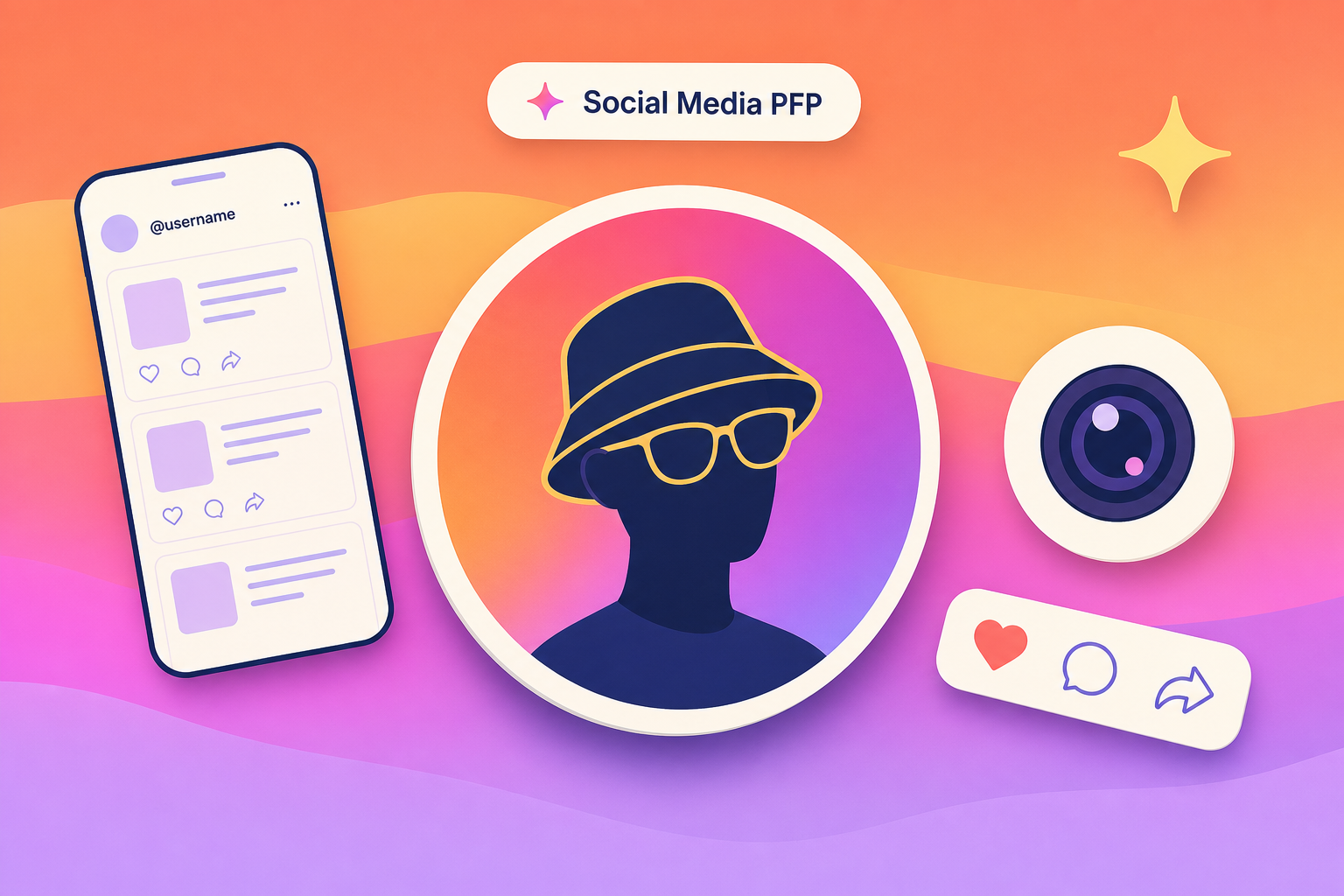
Instagram, TikTok, Twitter, and the rest of your feed
Make a PFP that reads at thumbnail size. Pick an illustrated, anime, or photo style, swap the background, and ship a profile picture that doesn't look like everyone else's auto-generated default.
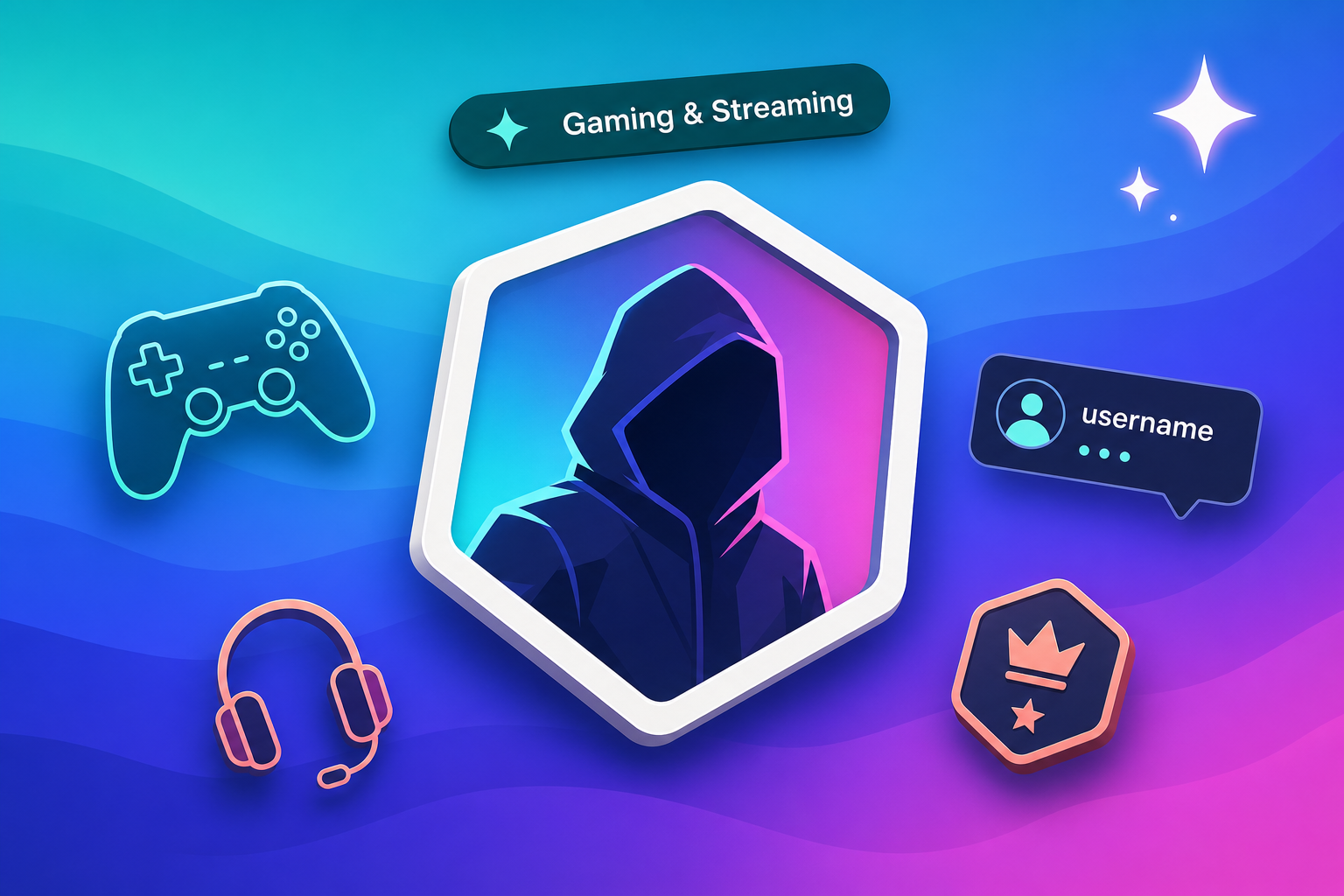
Discord, Steam, YouTube, and Twitch
Build a gaming-style avatar that fits the platform — a neon-lit hooded silhouette for Discord, a clean channel icon for YouTube, or a banner-friendly portrait for Twitch.
What you control
Style presets for every platform
Pick a style preset — LinkedIn pro, illustrated, anime-inspired, gaming avatar, minimal brand — and the AI generates a profile picture that matches without you wrestling a long prompt.
Backgrounds you can swap or remove
Swap the studio backdrop for a flat colour, a soft gradient, a blurred outdoor scene, or a transparent cutout. Useful when one photo has to ship to LinkedIn and a Discord server with very different vibes.
Square, portrait, and banner sizes
Generate at the aspect ratio each platform wants — square for Discord and Instagram, portrait for LinkedIn and résumés, landscape or banner for YouTube and Twitch — without re-cropping by hand.
How to make an AI profile picture
Upload a photo or describe a style
Drag in a selfie if you want the AI to keep your face, or skip the upload and describe the look you want in plain English — vibe, attire, backdrop, mood. One sentence is enough.
Pick a style preset
Choose one of the preset styles — LinkedIn pro, illustrated, anime-inspired, gaming avatar, minimal brand, retro Y2K — or write your own style cue. The AI generates several options around your pick.
Pick a favourite and download
Browse the variations, regenerate any you want to retry, and download the final profile picture at the size each platform wants — square for social, portrait for LinkedIn, banner for YouTube.
Frequently Asked Questions
How do I make an AI profile picture?
Open the prompt box above, drag in a selfie or describe the style you want (LinkedIn-style headshot, anime PFP, gaming avatar, and so on), and pick a preset. Genspark generates several variations. Browse them, regenerate any you want to retry, and download the favourite at the platform's preferred size.
What is the best AI profile picture generator?
It depends on what you want the picture to do. For business-grade LinkedIn headshots and résumé photos, look for a tool that controls lighting, framing, and attire — not just face filters. Genspark hands the brief to an image model that can hold a style across variations, so the LinkedIn version and the casual social version still look like the same person.
Can I use AI profile pictures on LinkedIn?
LinkedIn's rules require profile pictures to actually depict you — not a stock face or a fully fictional avatar. If you upload a real selfie and the AI generates a refined version of the same person (changed background, better lighting, business attire), that's typically fine. A fully AI-invented face attached to a real name and résumé is not.
What styles can I generate?
The preset styles cover the most common cases: LinkedIn-style pro, clean studio, casual outdoor, illustrated, anime-inspired, gaming avatar, minimal brand, retro Y2K. You can also describe your own style in plain English — colour palette, attire, background, expression — and the AI follows the description.
What sizes does the AI profile picture export at?
Generate at the aspect ratio each platform wants — square for Discord, Instagram, and most social PFPs; portrait for LinkedIn headshots and résumé photos; landscape or banner for YouTube and Twitch channel art. Pick the size before generation so you don't re-crop afterwards.
Can I upload my own photo for the AI to use?
Yes. Drag a selfie into the prompt box and describe what you want changed — new background, better lighting, business attire, a different style entirely. The AI uses your photo as the starting reference instead of inventing a face from scratch, so the output still looks like you.