AI Poster Generator, from a line of text to a finished print.
Describe your event, your product, or your idea. The AI poster generator writes the copy, lays out the design, and makes the artwork for you. Pick portrait, square, or landscape and download it.
What Will You Make?
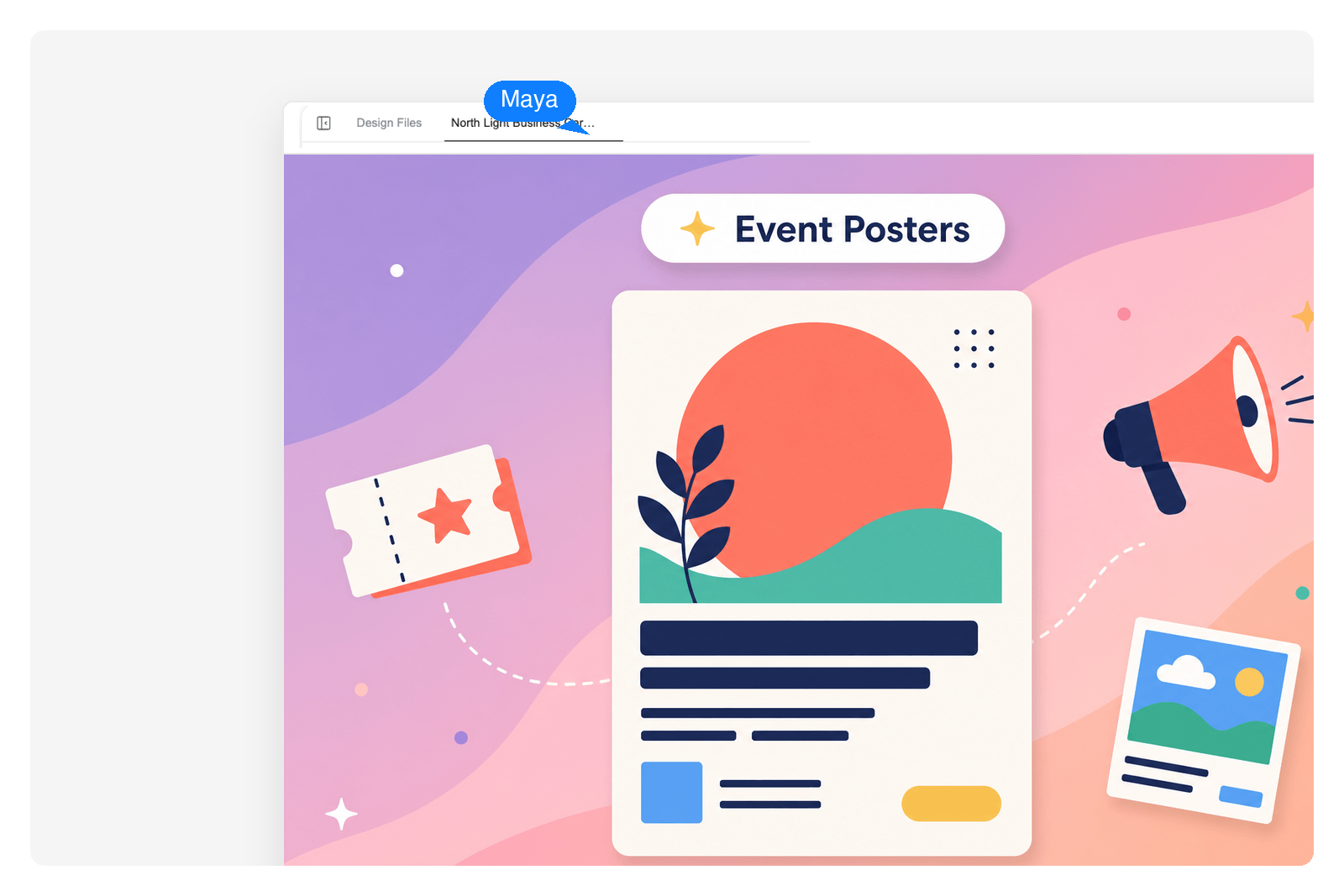
Event & Promo Posters
Concerts, club nights, openings, workshops. Describe the event and the AI poster maker lays out the date, the venue, and a headline that reads from across the room, then generates artwork to match. Download it in portrait for a wall or square for a feed.
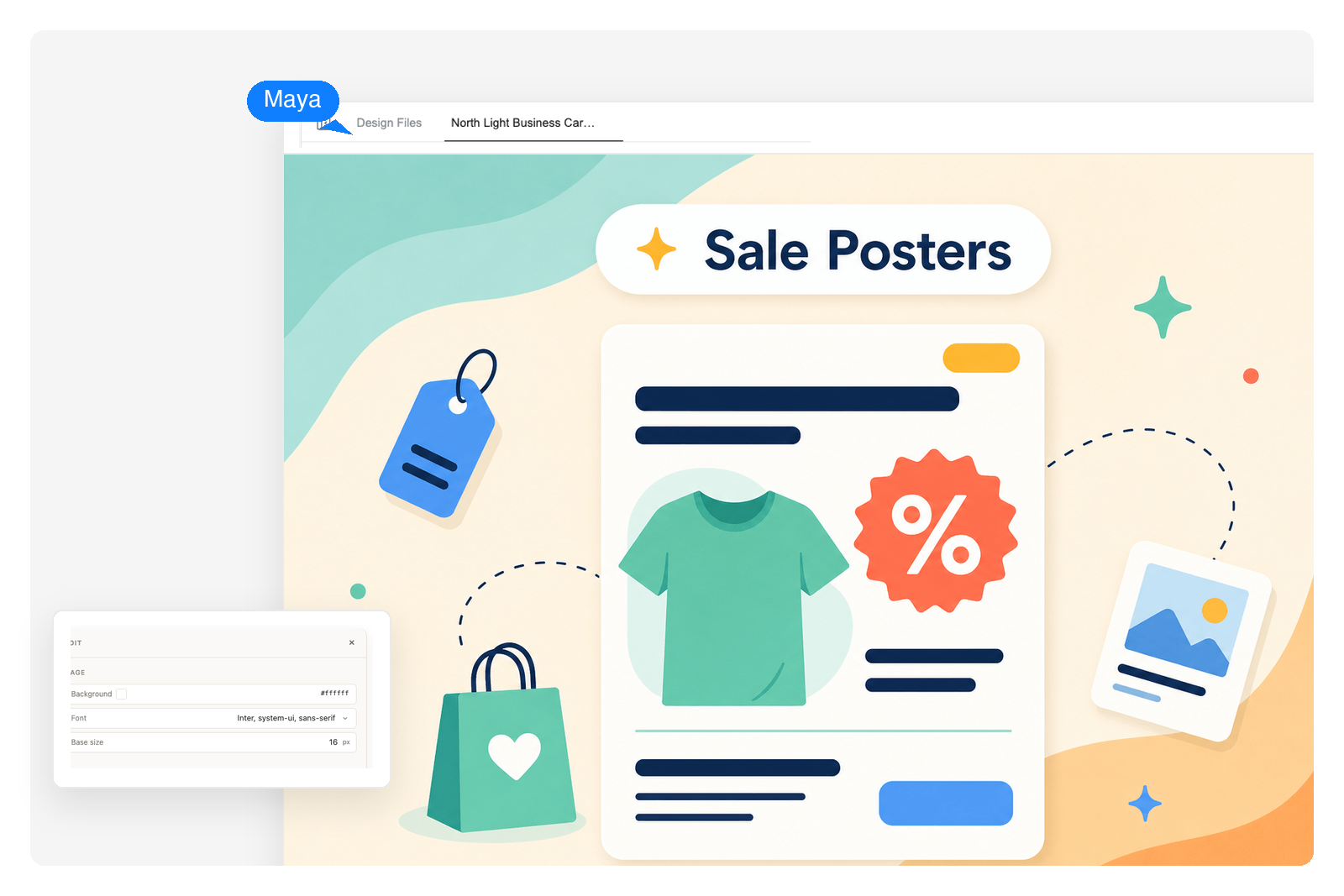
Marketing & Sale Posters
Product launches, sales, store announcements. Tell the poster generator your offer and your brand, and it builds a clean design with the message front and center. Export it print-ready, or sized for social.
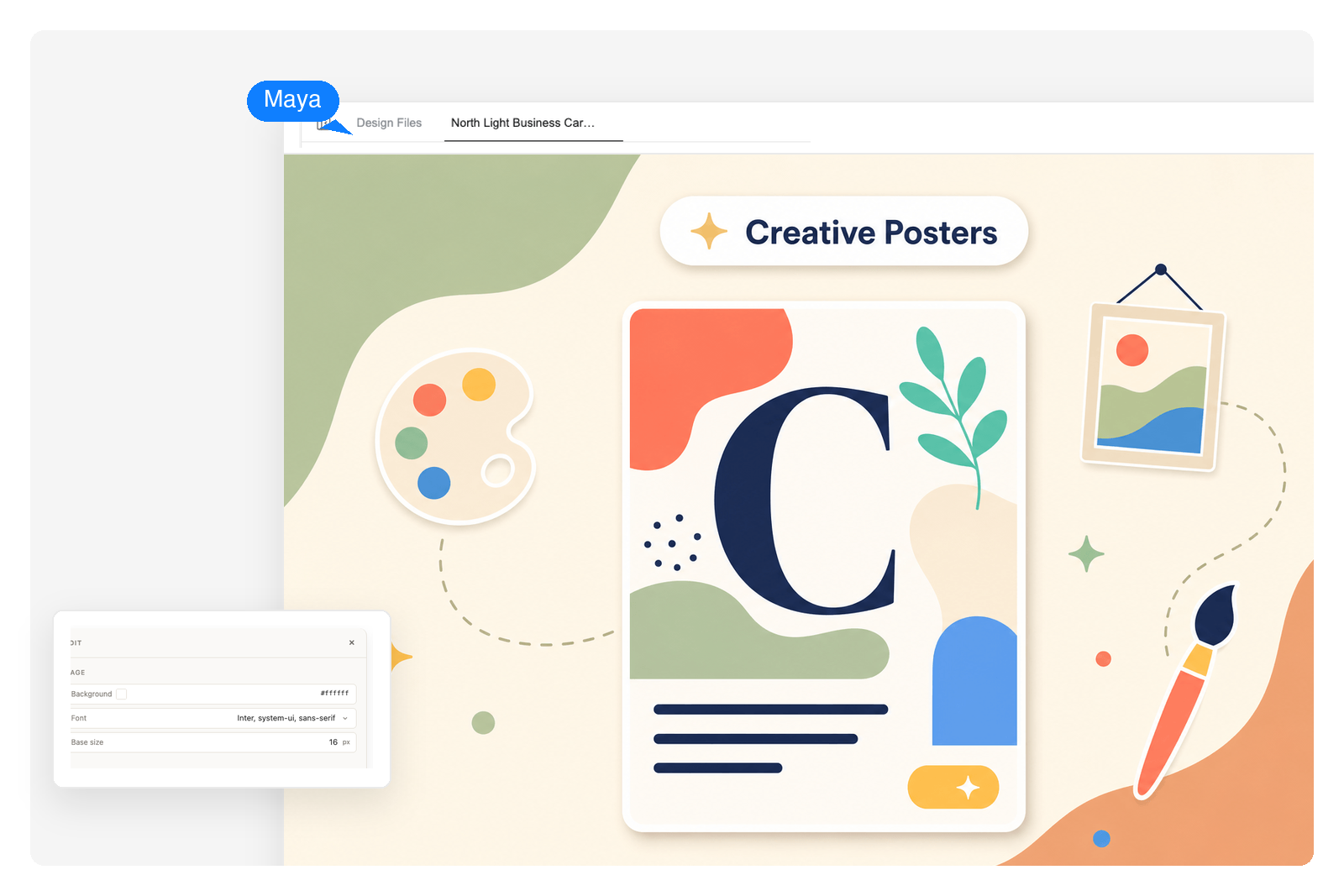
Creative & Personal Posters
Quote prints, art for a wall, posters for a community event. Describe the look you want, whether that's minimal, retro, or bold, and the AI generates both the layout and the imagery. No design software, no template hunting.
Why Genspark for Posters
Any poster size, not just 16:9
Most AI slide tools only do widescreen decks. Genspark builds posters in the shapes you actually print and post: 3:4 portrait, 1:1 square, 16:9 landscape. Pick the size up front, or change it later.
Start from a line of text
You don't need a brief or a finished idea. Type what the poster is for, like the event or the offer or the message, and the AI writes the copy, picks the type, and arranges it all into a finished design.
Artwork generated to fit
The images on the poster aren't stock clip-art. Genspark generates artwork that matches your topic and style right inside the canvas, so the picture and the layout actually belong together.
How the AI Poster Generator Works
Describe your poster
Type what the poster is for and pick a size: portrait, square, or landscape. Mention a mood if you have one, like bold and retro, or calm and minimal.
Review the design
Genspark drafts the layout, writes the copy, and generates the artwork. You see the whole poster before committing, so nothing is a surprise.
Edit and download
Click any element, like the headline or a color or the image, and tell the AI what to change, or edit it by hand. Then download the poster, sized and ready to print or post.
Frequently Asked Questions
Can AI generate a poster?
Yes. Describe what the poster is for and Genspark handles the rest: it writes the headline and the copy, lays out the design, and generates artwork that fits the topic. You pick the size, review the result, and download it.
How do I make a poster with AI?
Start in the box at the top of this page. Type what the poster is for, who it's reaching, and the size you need. Genspark drafts a full design with the copy, layout, and artwork. Change anything you want, then download it.
Can I make a poster from just text?
Yes. A line or two of text is enough to start. Tell the AI poster generator what the poster is about and it turns that into a finished design. You don't need a layout, images, or any design experience.
What poster sizes can I export?
Genspark makes posters in portrait (3:4), square (1:1), and landscape (16:9), among other ratios. Pick the size before you generate, or switch it afterward. The export is sized for printing or for posting online.
Can I edit the poster after the AI makes it?
Yes. Click any part of the poster, whether that's the text, the colors, the image, or the layout, and tell the AI what to change, or take over and edit it by hand. You can keep adjusting until it looks right.
Can I use the poster for printing?
Yes. Posters export at a size meant for print, so you can send the file to a print shop or print it yourself. The same design also works for sharing online if you generate it in a square or landscape size.