Text to PPT AI
Paste a long piece of text, like a Medium post, meeting notes, or a research report, and Genspark's AI will split it into sections and build the full deck for you. Nothing to write from scratch, nothing to upload.
What Kind of Text Works Best
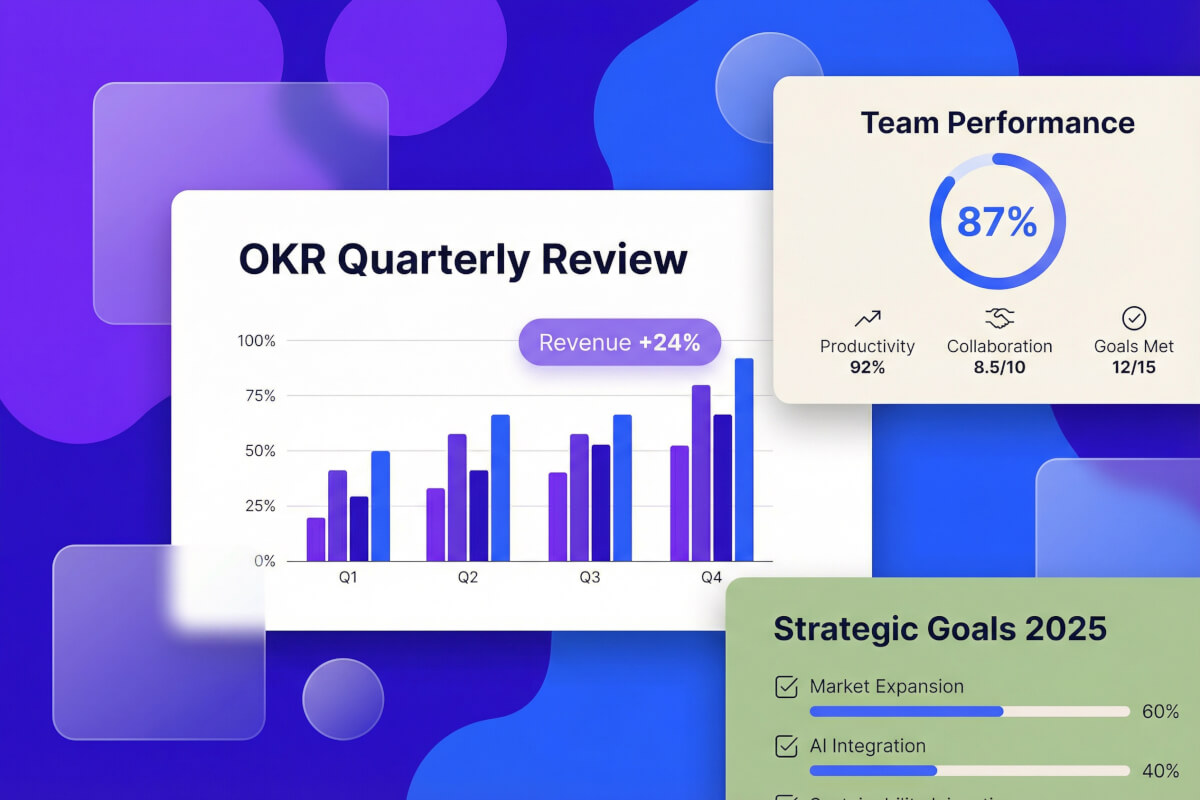
Turn a Long Article into a Shareable Deck
Paste a Medium post, a Substack essay, or any long-form article. The AI text to PPT converter reads the whole piece, works out the structure, and lays it out as a proper deck: title page, section headers, key takeaways, and a closing slide. Good for turning something you wrote, or something you saved to read later, into a talk or a share-ready deck.
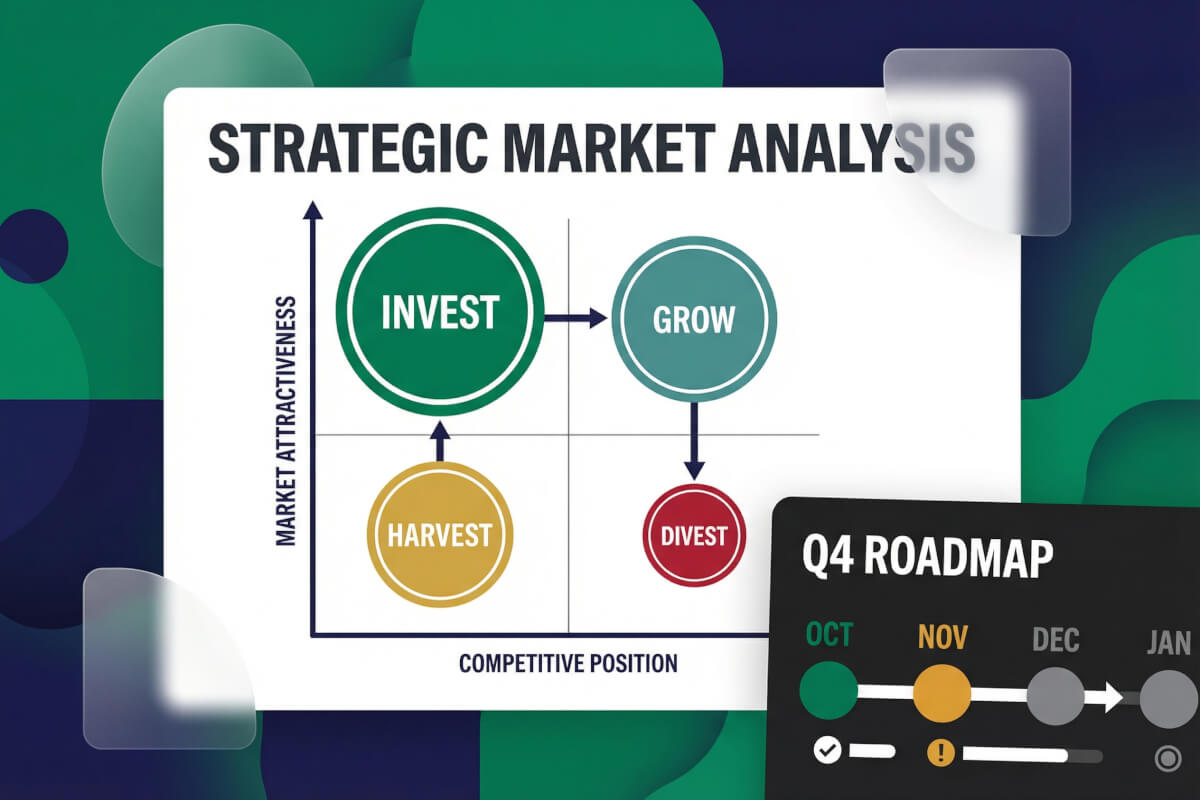
Paste Meeting Notes, Get a Recap Presentation
Copy your raw meeting notes (bullets, action items, whatever you jotted down) and the AI will organize everything into a proper recap deck. Decisions on one slide, action items on another, next steps on a third. A fast way to turn 'notes nobody will read' into something you can actually send the team.
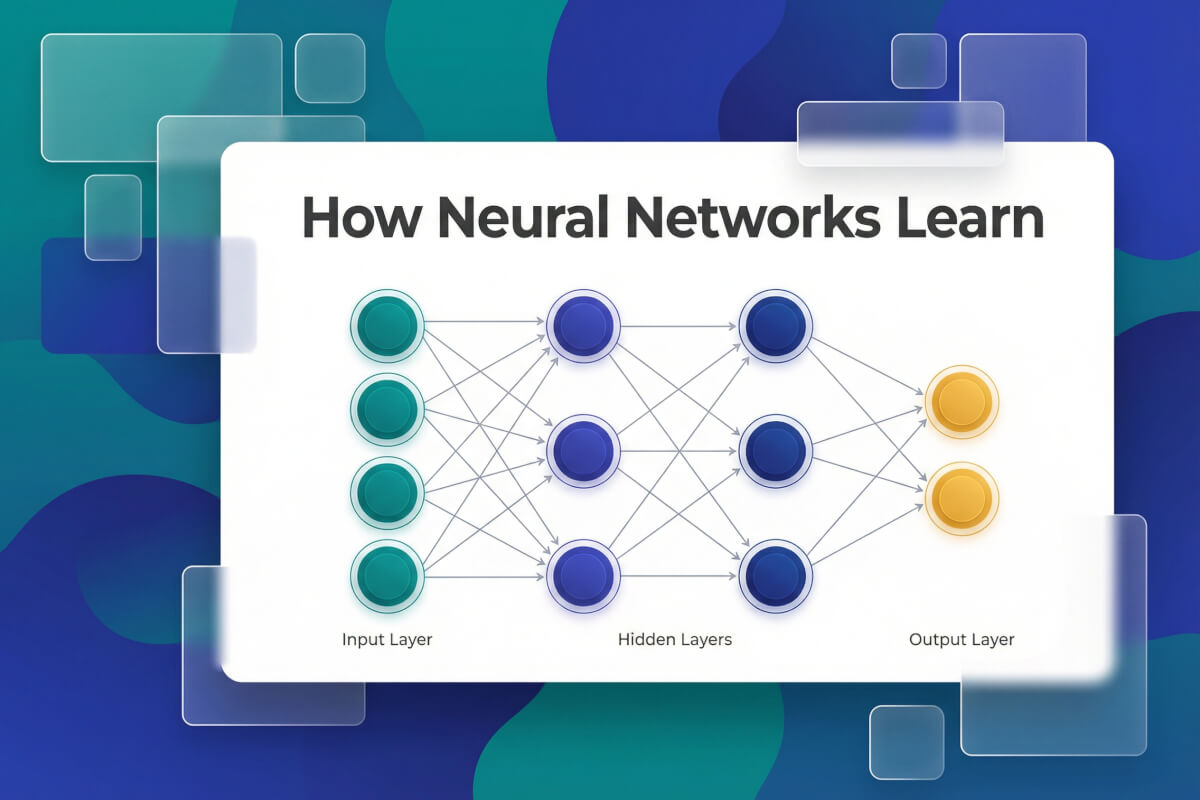
Convert Research Reports into Presentation Slides
Paste a research report, a whitepaper section, or a chunk of academic writing. The AI keeps your data and citations intact, moves methodology and findings onto their own slides, and converts dense paragraphs into charts or bullet lists where it can. Useful when you need to present research without rewriting it from scratch.
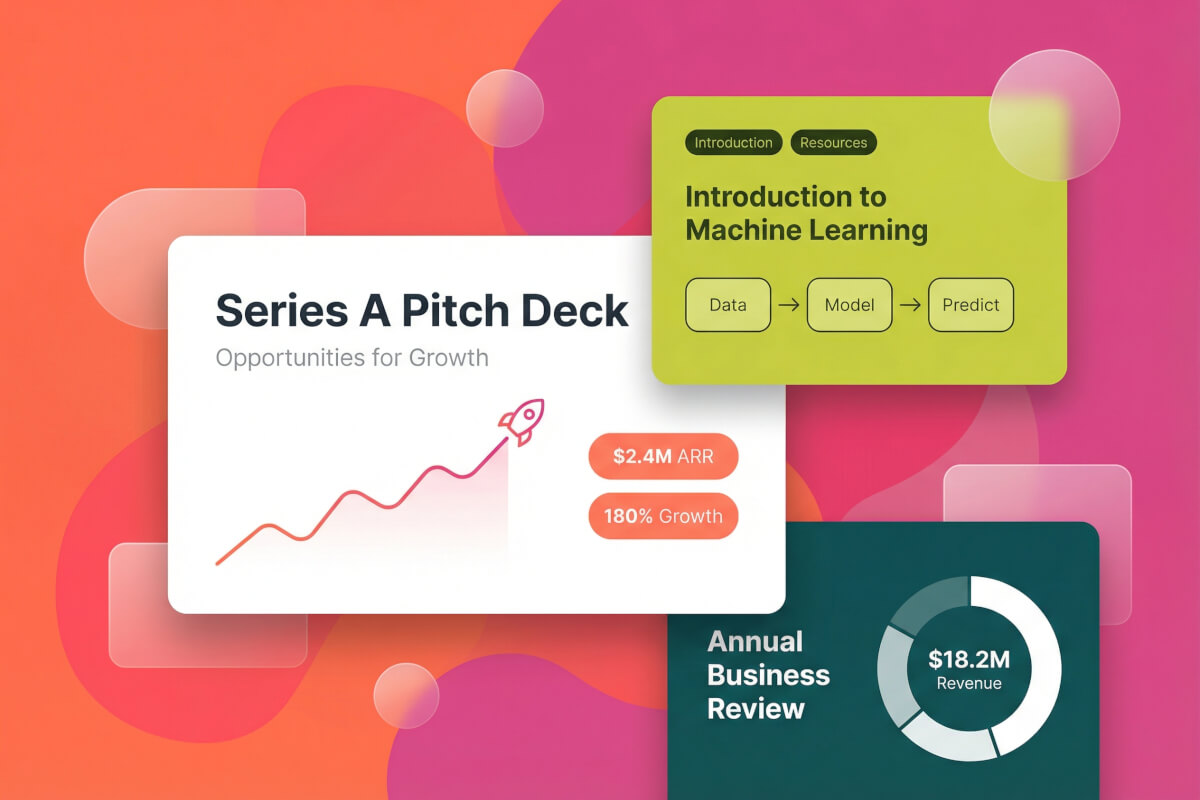
Turn a Blog Draft into a Pitch Deck
Drop in a blog post draft, an internal memo, or even a rough writeup. The AI restructures it for a deck format: problem on one slide, insights on the next, conclusion at the end. No more copying paragraphs onto blank slides. Works well for content marketing teams who want to repurpose long posts.
How the Text to PPT AI Works
Paste Your Text
Copy any block of text (an article, notes, a report, a draft) and paste it into the box above. No required file format and no upload needed. The longer and more structured your text, the better the AI can split it into slides.
AI Splits It into Slides
Genspark reads the full text, identifies the natural sections, and drafts a slide outline: title, agenda, key points, conclusion. You see the outline before any slide is built, so you can reorder or rename sections, or drop the ones you don't need.
Edit & Export to PowerPoint
Once the outline looks right, the AI builds the full deck with layouts, visuals, and typography already applied. You can edit any slide directly in the browser, then export to .pptx, PDF, or Google Slides. Manual edits don't use any credits.
Frequently Asked Questions
Is the text to PPT converter free?
You can try it for free. New Genspark accounts come with credits to get started, and after that slide generation uses credits on a per-minute basis. Pasting text and editing slides manually doesn't cost anything extra.
How is this different from the AI Presentation Maker?
The AI Presentation Maker takes a short prompt or topic ("make slides about quantum computing") and researches the content from scratch. Text to PPT takes the long text you already have and restructures it into slides. The content comes from you, the AI handles the structure and design.
Do I need to upload a Word file?
No. This tool is for pasting raw text directly. If you want to upload a .doc or .docx file, use our Word to PPT converter instead. That one's built for the file upload flow.
How long can the pasted text be?
You can paste anything from a short paragraph to a full article or report, up to roughly 20,000 words. Longer text generally makes for a richer deck with more slides. If the content is very long, the AI will summarize as it goes rather than trying to fit every sentence onto its own slide.
Can I export the slides to PowerPoint?
Yes. You can export to PowerPoint (.pptx), PDF, or Google Slides. The .pptx file stays fully editable. Fonts, layouts, colors, and images are all live objects you can change in PowerPoint or Keynote later.
What languages does the text to PPT AI support?
Genspark supports 19 languages, including English, Chinese, Japanese, Korean, Hindi, Spanish, Portuguese, French, and German. You can also paste text in one language and ask the AI to generate the slides in another.
Explore more tools
Business & Productivity
From a block of text to a full presentation, instantly.
Stop copying paragraphs into blank slide templates one by one. Paste your content once, and the AI takes care of the structure, layout, and design in a single pass.