AI White Paper Generator, built for thought leadership.
Describe the topic and audience. Get a structured, executive-grade white paper with the sections readers expect — and export-ready in one click.
What teams use it for
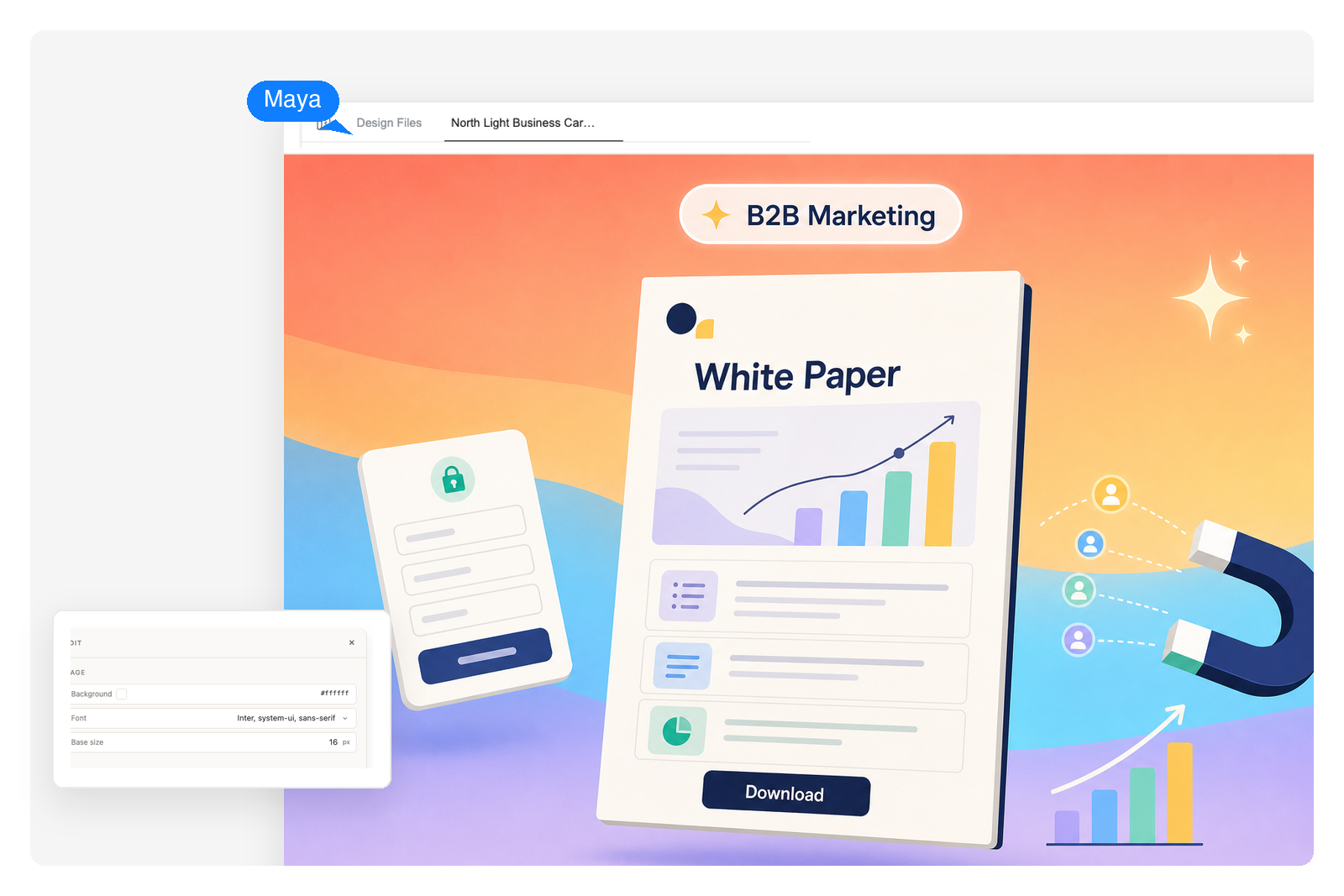
B2B lead generation and thought leadership
Turn a positioning angle or research finding into a gated white paper that drives qualified leads. Hand the draft to the demand-gen team, swap in your brand stats, and ship to a landing page in an afternoon.
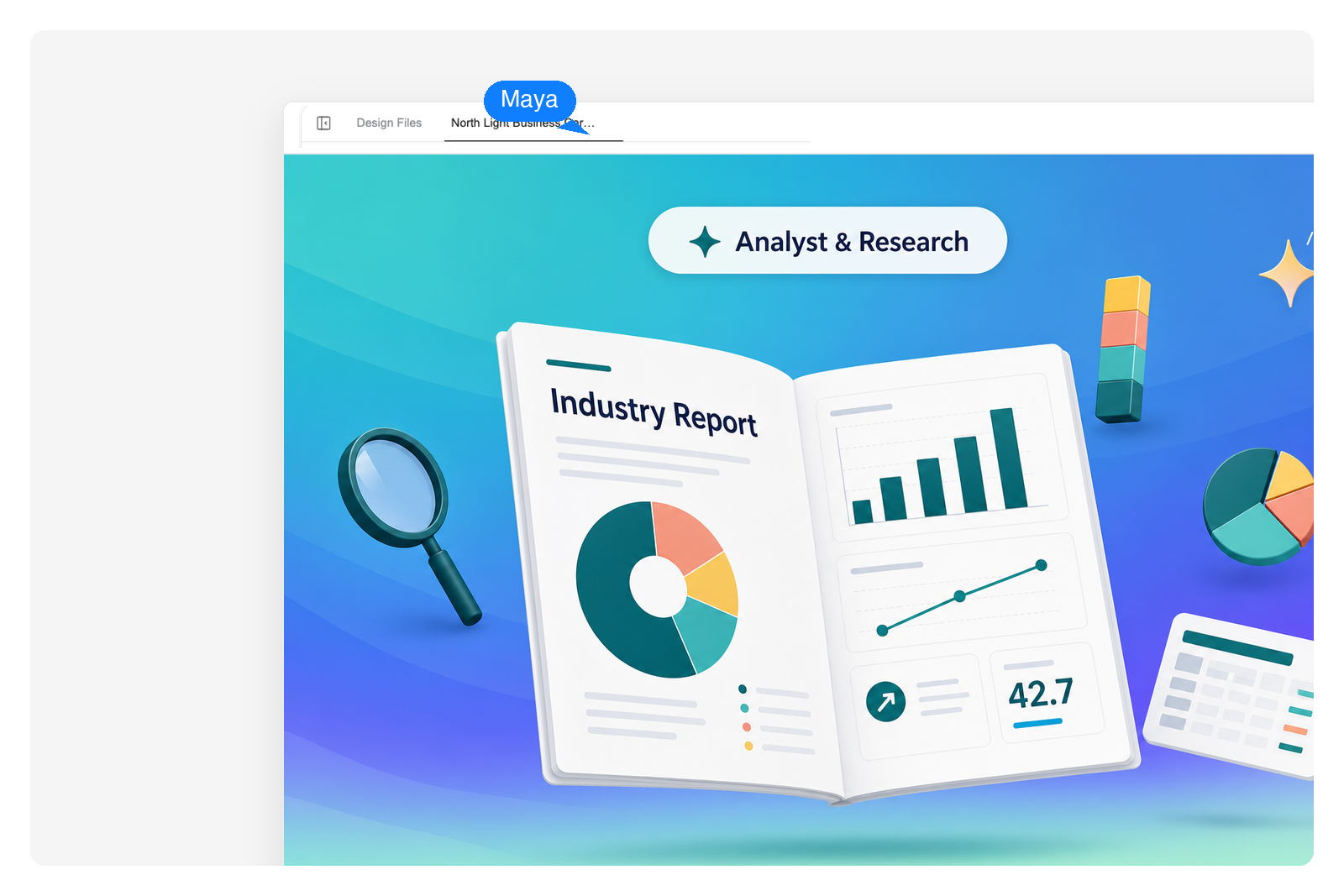
Industry analyst reports and benchmarks
Brief the AI with your survey data or interview notes. Get a structured analyst-style report — methodology, findings, segment-by-segment breakdowns, and recommendations — ready for review.
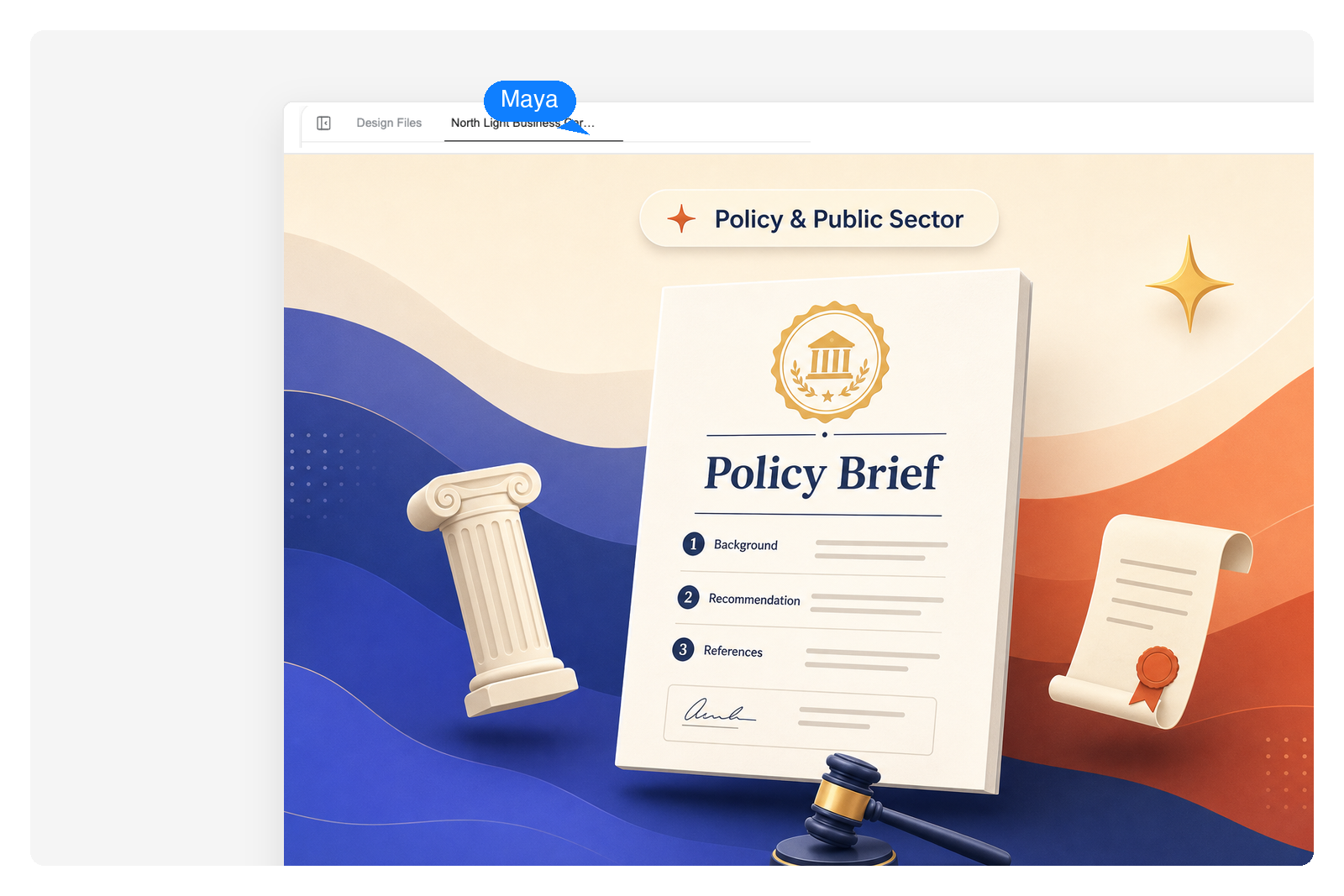
Position papers, policy briefs, and RFI responses
Outline the policy question, stakeholders, and your stance. The AI assembles a balanced position paper with a literature scan, options analysis, and a recommendation section you can refine.
Built for executive-grade documents
Real white paper structure
Cover, executive summary, problem statement, methodology, findings, conclusion, references — the AI fills the sections every reader expects, not just a long blog post. Pick a market-research, B2B buyer-guide, or policy-brief template to start, or just describe your topic and Genspark builds the outline.
Drop in your own data
Paste pull-quotes from interviews, side-by-side comparison tables, and chart images right next to the AI-written prose. The editor keeps your data callouts and citations pinned to the right paragraph, so swapping placeholder numbers for real ones never breaks the section above.
Export-ready PPTX, PDF, HTML
Hand the draft to the design team as a PPTX they can polish in PowerPoint or Keynote, gate it as a PDF for downloads, or publish as a standalone web page. Brand stylesheets carry through to every format.
How the AI white paper generator works
Describe the topic and the audience
Write what the paper is about, who it's for (C-suite, engineering, policy), and how long it should be. Drop in any research notes or survey numbers you already have.
Review a structured first draft
Genspark builds the white paper section by section — outline, executive summary, body chapters, conclusion. Each section is editable and re-generatable on its own.
Edit, add data, and export
Refine wording, paste in charts, swap in real customer data. Export to PPTX for the design team, PDF for distribution, or HTML for a gated landing page.
Frequently Asked Questions
Can AI write a white paper?
Yes — AI is well-suited for white papers because the format is highly structured. Genspark builds the full document around standard white paper sections (cover, executive summary, problem, methodology, findings, conclusion) so you get something an executive reader expects, not a long unstructured blog post. You bring the angle, your data, and the final edit; the AI handles the heavy lifting of organising and drafting.
How do I generate a white paper with AI?
Open the prompt box above, describe your topic and target reader (e.g. "a 12-page white paper for engineering VPs on AI-assisted code review"), and submit. Genspark builds the outline and drafts each section. From there, edit in the live editor, add your own data and charts, and export to PPTX, PDF, or HTML.
What sections does an AI-generated white paper include?
By default: a cover page, executive summary, problem statement, background or methodology, findings (organised into body sections), conclusion with recommendations, and a references section. You can ask for any section to be removed, expanded, or replaced — e.g. swap "methodology" for "market context" for a marketing-led white paper.
Can I add my own data and charts to the white paper?
Yes. The live editor lets you paste in your own survey numbers, customer interview pull-quotes, and proprietary research alongside the AI-drafted prose. You can insert charts and tables directly, and the AI will weave them into the narrative on regeneration.
What file format does the white paper export to?
Export options include PPTX (PowerPoint, editable in Keynote and Google Slides), PDF (ready for distribution and gating), and HTML (for a standalone landing page). PPTX is most common when handing off to a design team for final styling; PDF is most common for sales enablement and gated downloads.
How long is a typical AI-generated white paper?
Most B2B white papers run 6 to 16 pages. State this in the prompt ("write a 10-page white paper on...") and Genspark sizes the sections accordingly. For analyst-style reports you can ask for 20+ pages with deeper sub-sections; for an executive brief, ask for 4 to 6 pages.