AI Story Generator
Describe your premise. The AI writes the story, illustrates it, and gives you a document to download.
What kind of story?
Give it a starting point
Inspiration
How should it feel?
One sentence goes in. Here's what comes out.
Complete stories from a single idea
Think of it as an AI story writer. Give it a premise and the story maker writes a full narrative, broken into chapters with dialogue and scenes. Read online or download the whole thing.
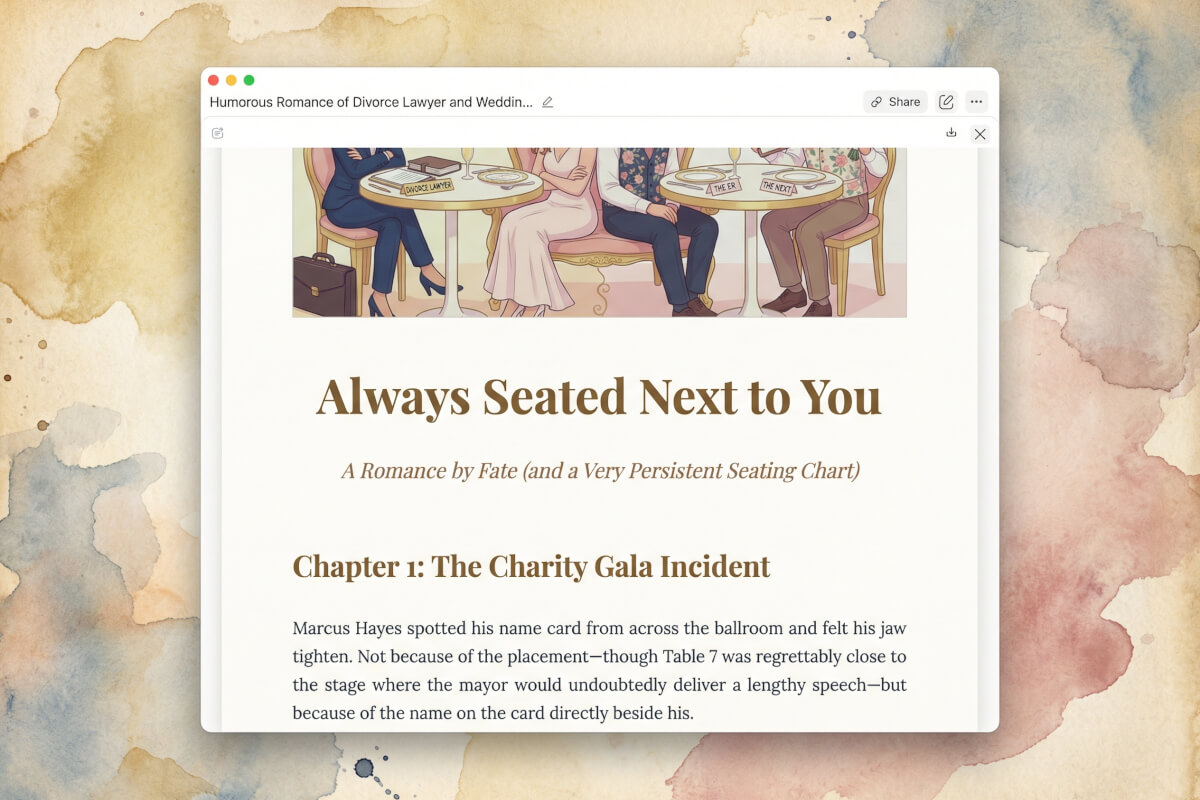
Illustrated, formatted, and ready to share
You get a story with pictures: a cover illustration, formatted chapters, the whole package. It downloads as a document, not text dumped into a chat window.
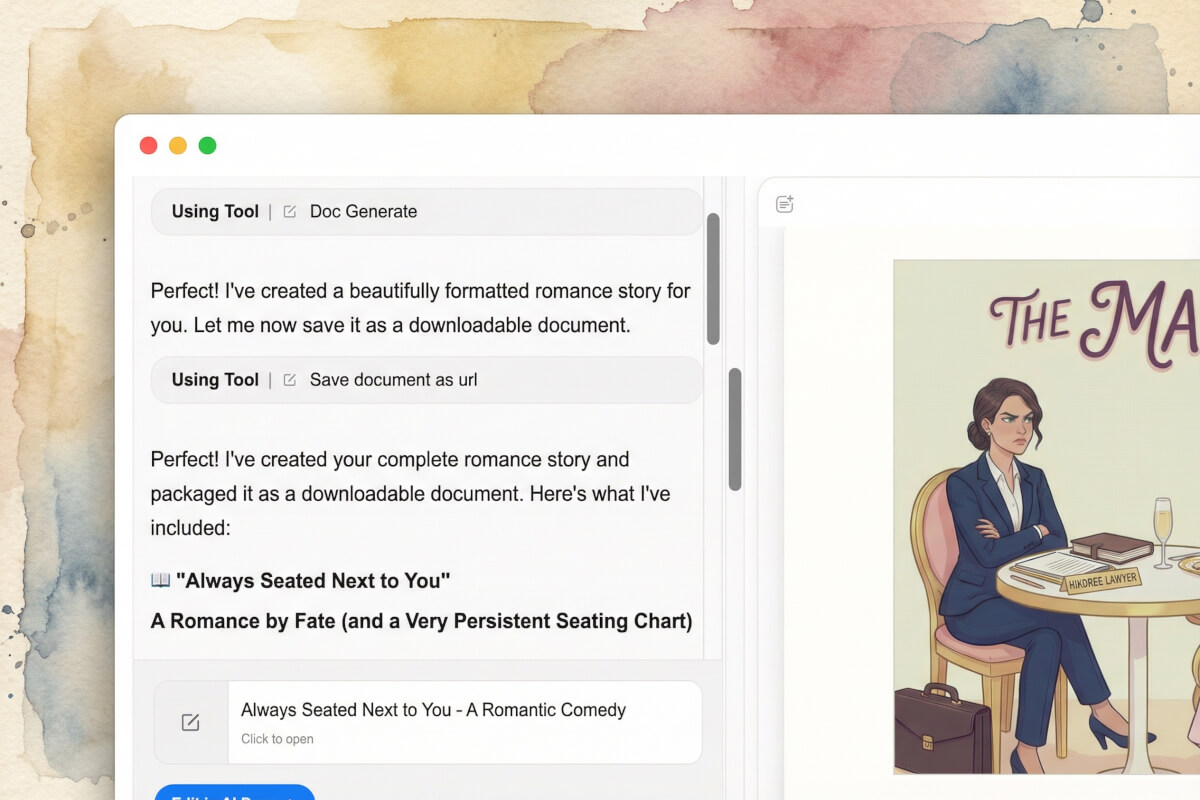
Keep editing after generation
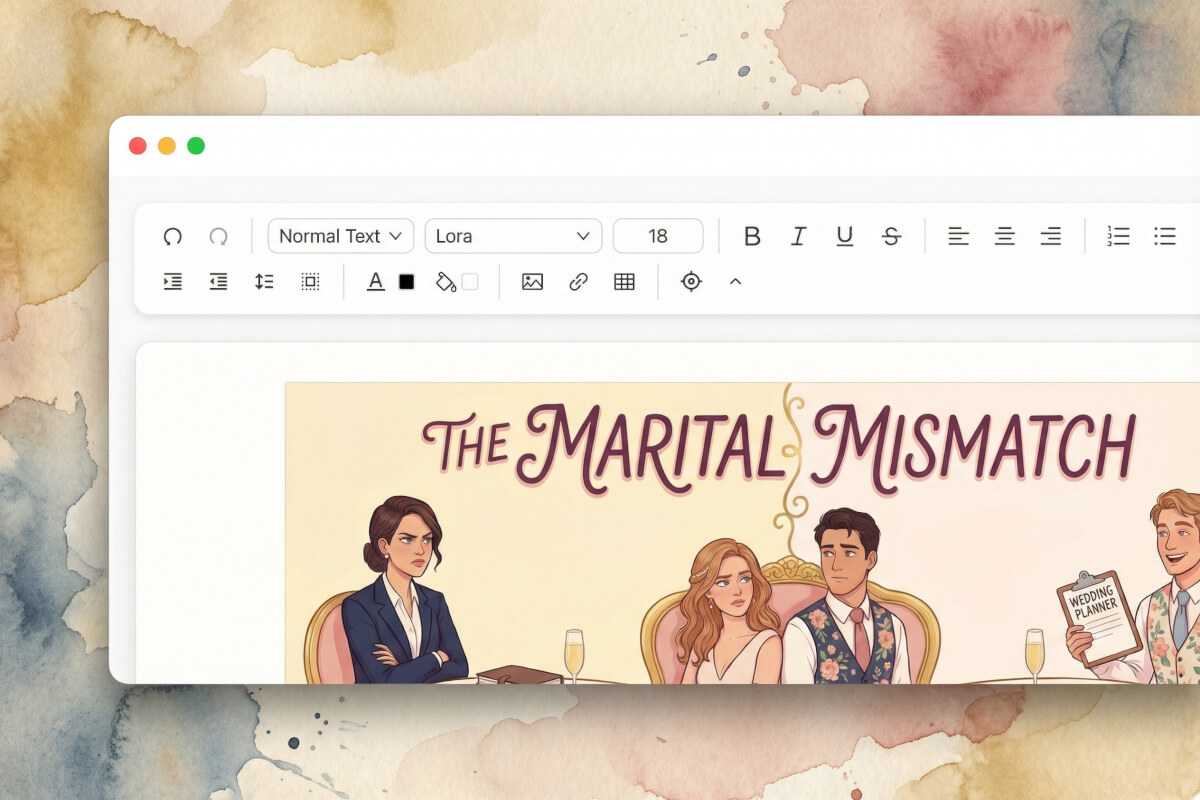
Your story opens in a free document editor. Rewrite a line, move chapters around, change the tone. It's your draft.
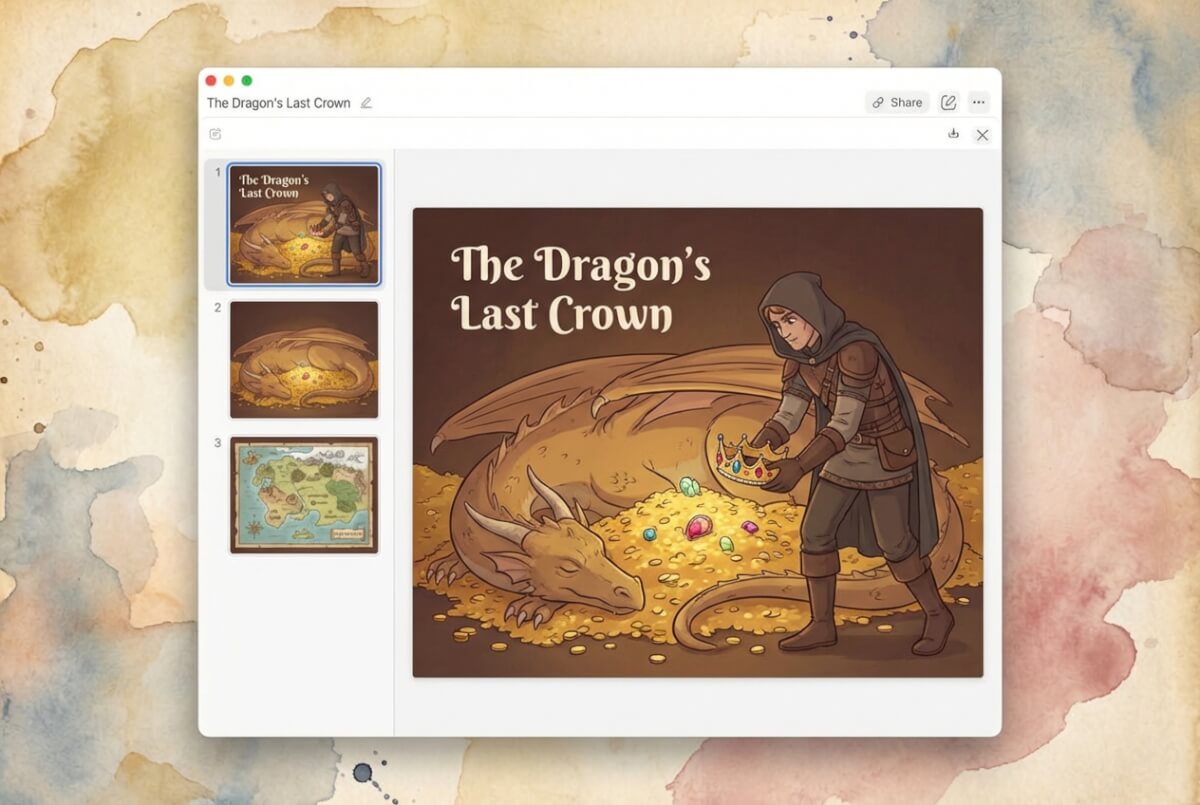
Turn your story into slides
Have a story worth presenting? The AI Presentation Maker converts it into a slide deck with visuals and speaker notes.
Who uses an AI story generator?
Fiction writers
Turn a rough idea into a short story with chapters, dialogue, and a cover illustration. Great for weekend writing projects or drafting a first chapter of something longer.
Fanfiction authors
Drop your favorite characters into new scenarios and get a fanfic ready to post. Set the genre and tone — the AI story generator handles plot, pacing, and dialogue.
Parents & storytellers
Generate a fresh bedtime story every night without running out of ideas. Pick a whimsical tone and get an illustrated tale ready to read aloud.
Worldbuilders & game masters
Create character backstories, quest hooks, and lore entries for tabletop RPGs or video games. Start from a one-line premise and get material you can drop straight into a campaign.
What makes this AI story generator different
What you get
Starting point
Illustrations
After generation
Frequently Asked Questions
What is an AI story generator?
An AI story generator turns a premise into a story. You pick a genre and tone, the tool writes it with chapters and dialogue. Genspark also adds illustrations and formats the result as a document you can download.
Can the AI generate stories in different genres?
Yes. The generator covers fantasy, sci-fi, romance, mystery, horror, adventure, historical fiction, and fanfiction. Tone is a separate setting — you can make a fantasy story humorous or a romance suspenseful.
Can I add pictures or images to my story?
Yes. Genspark generates a cover image and scene visuals automatically. They appear inline with the story text.
Can I write a full novel with the AI story generator?
The tool works best for short stories and medium-length fiction. For longer projects, generate chapters one at a time and build on each one in the document editor. It won't write a full novel in a single prompt, but it gives you a working draft to expand.
Is the content generated by the AI original?
Yes. Each story is generated from your inputs: genre, premise, and tone. The AI doesn't copy from existing works. That said, AI output can sometimes echo common phrasings, so review the text if you plan to publish.
Can I use it to write fanfiction?
Yes. Fanfiction is one of the available genres. Write a premise with your characters and scenario, pick a tone, and the generator writes the story. The inspiration panel shows fanfic-specific ideas if you need a starting point.
Can I edit the story after it's generated?
Yes. Your story opens in a document editor. Rewrite sections, move chapters around — it's your draft. When you're done, download the result.
Are the generated stories safe for children?
The generator includes content filters that keep output age-appropriate. If you're creating bedtime stories or classroom material, the stories stay clean by default. You can still write in darker genres like horror. The filters block explicit content, not genre variety.
Your next story starts with one sentence.
Pick a genre and describe what happens. The AI writes the rest and gives you an illustrated document to download.